Internal Linking
Part of Internal linking
Choosing a contextual link that helps the next reader task
A contextual link belongs where a reader is likely to need the destination.
A contextual link belongs where the reader is likely to need the destination. Start with the sentence around the link, not a list of pages to promote.
If an article explains campaign planning and briefly introduces frequency caps, a detailed frequency guide may be a useful next step. A link to an unrelated sales page interrupts that task.
Write the reader's current question and the likely next question. Open the proposed destination and verify that its first screen answers the second question.
If it requires several unrelated clicks, choose a closer page or improve the destination before linking. This check prevents a valid URL from becoming a poor handoff.
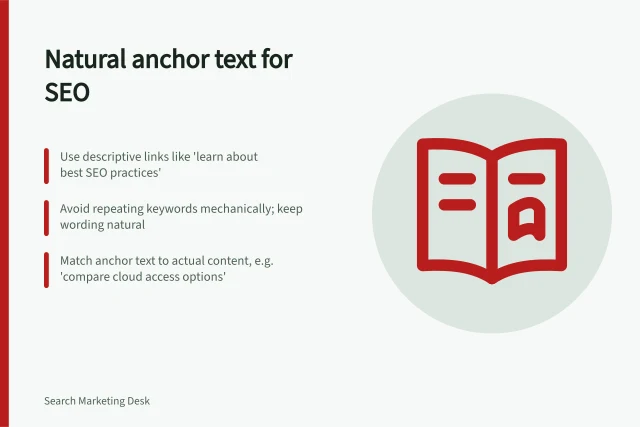
Make the linked words descriptive and natural. Google's guidance says anchor text tells people and Google something about the page you're linking to, and that good anchor text is descriptive, reasonably concise and relevant.
Do not use the same phrase mechanically in every article. A link can be useful even when its wording changes with the surrounding sentence.
Check the rendered page. The anchor should be keyboard usable, its destination should resolve, and it should remain meaningful if surrounding copy is skimmed.
A contextual link earns its place by reducing the reader's work.
Key Metrics for Effective Internal Linking
- Google’s recommended anchor text qualityDescriptive, concise, and relevant to the linked page.
- Best practice for destination relevanceFirst screen of the linked page should answer the reader’s likely next question.
- Accessibility requirementLinks must be keyboard navigable and remain meaningful when content is skimmed.