Internal Linking
Part of Internal linking
Removing broken and misleading internal links
A broken internal link sends the reader to an error.
A broken internal link leads to an error. A misleading one loads a page, but that page no longer answers the question the link promises to answer. Treat both as maintenance issues, especially on pages with steady traffic or that guide important decisions.
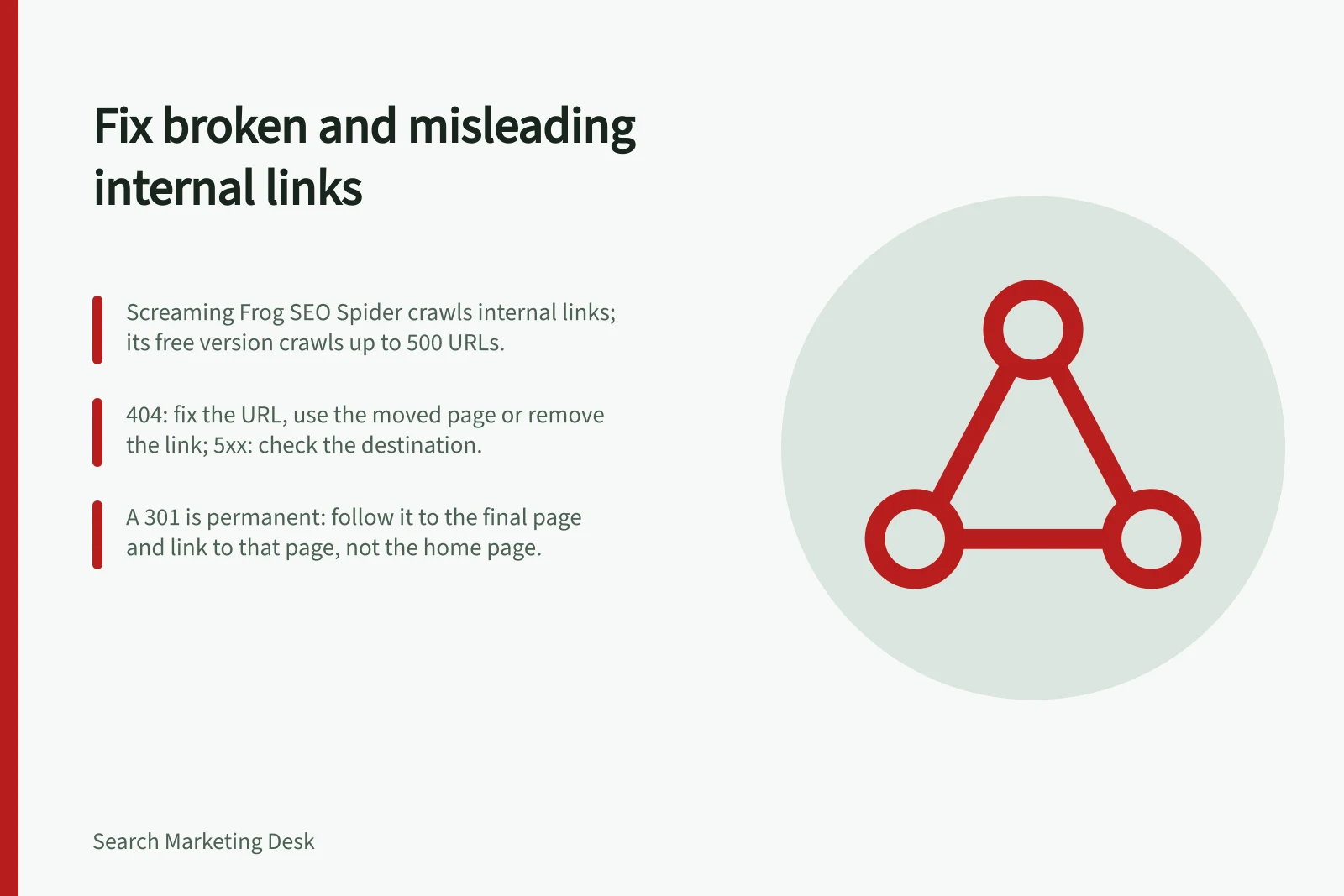
Start with a candidate list from a site crawl and Google Search Console. Screaming Frog SEO Spider crawls internal links; its free version crawls up to 500 URLs. Google Search Console’s Coverage Report shows URLs Googlebot had trouble indexing, including 404 Not Found and Server Error (5xx) issues. Ahrefs and SEMrush also provide broken-link reports in their site audits.
Check the response and destination for each candidate. A 404 Not Found means the URL could not be found; correct the link if the URL is wrong, use the current matching page if it has moved, or remove the link if there is no useful replacement. A Server Error (5xx) means the page is inaccessible, so check the destination before deciding whether the link itself needs changing.
A 301 is a permanent redirect and may be appropriate when a page has moved. Follow it to the final page: a faulty redirect can land on the wrong page, and a redirect chain adds extra hops. Update the internal link to the final matching page where possible; do not automatically send old URLs to the home page.
To catch misleading links, open each source page and follow the link. Compare the final page’s heading and key content with the question implied by the link and its surrounding copy. A redirect to an unrelated page, or a page that loads but no longer provides the promised answer, is a problem even if it returns a working page.
Choose an action based on what the reader needs: update the link to a current matching page; restore a deleted page if its distinctive purpose is still needed; consolidate its answer into a relevant page; or remove the link if the reference no longer helps. If the topic has changed, revise the surrounding copy as well.
Google’s document “Link best practices for Google” explains that Google can generally crawl links written as an element with an href attribute, and that the URL should resolve to an actual web address. After editing, follow each link from its source page and check that the destination works and still answers the reader’s question.
Internal link repair workflow
- Gather candidatesCrawl the site and review Google Search Console coverage issues; Ahrefs and SEMrush site audits also flag broken links.
- Follow the destinationOpen the source page, follow the link and compare the final page’s heading and key content with the question the link promises to answer.
- Choose the fixUpdate to a current matching page, restore a deleted page if its distinctive purpose is still needed, consolidate its answer into a relevant page, or remove the link.
- VerifyAfter editing, follow each link from its source page and check that the destination works and still answers the reader’s question.
Internal link issues and responses
- 404 Not FoundThe URL could not be found: correct the link if the URL is wrong, use the current matching page if it has moved, or remove the link if there is no useful replacement.
- Server Error (5xx)The page is inaccessible: check the destination before deciding whether the link itself needs changing.
- 301 redirectA permanent redirect may be appropriate after a move: follow it to the final page, check for faulty redirects and chains, and update internal links to the final matching page where possible.
- Misleading linkThe page loads but no longer answers the promised question: update, restore, consolidate or remove the link, and revise surrounding copy if the topic has changed.