Indexation
Part of Technical SEO audits
Checking redirect chains after a site change: 5 steps
After a migration, old URLs should take visitors and crawlers to the most relevant current page. A redirect chain may still work, but each extra step adds a place …
A redirect chain may still reach a page, but each extra hop creates another chance of a wrong destination, an error or latency. Work from the URL map, crawl the site, inspect the hops, then retest after fixes.
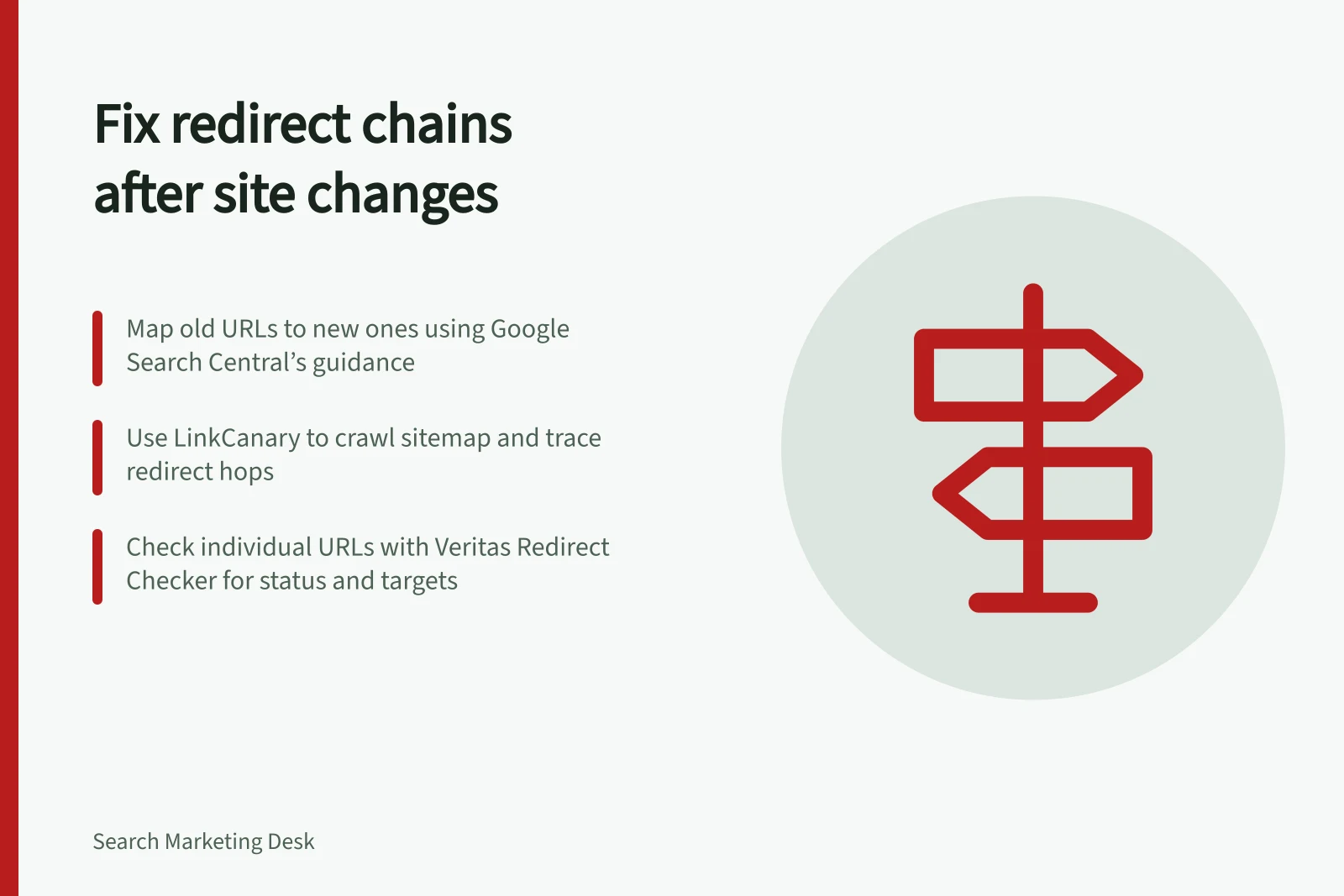
- Start with the old-to-new URL map. Sample old URLs from each important template, including addresses with traffic or external references. Google Search Central’s “Site moves with URL changes” guidance recommends mapping current URLs to their corresponding new URLs and configuring the server to redirect old URLs to them.
- For a site-wide check, run LinkCanary from its command line or web UI using the site’s sitemap. It crawls the site via the sitemap, checks links and traces redirect chains, then maps issues to the pages where they occur. Export the results as CSV or interactive HTML.
- Check individual old URLs with the Veritas Redirect Checker. Enter the HTTP address or bare domain as well when visitors may arrive through those forms. Read the results from top to bottom: each hop shows its status and target, including the
Locationheader, and the last row is the landing page. - Compare each route with the mapped destination. A chain report can show
301:url1 → 302:url2 → 200:url3; follow the URLs and statuses in order, and look for loops, dead ends and chains longer than ten hops. The Veritas page says Googlebot follows up to ten redirect hops before giving up, and its checker flags chains longer than ten. Point the first redirect straight to the final URL to reduce a chain to one hop. - Check that the final destination is the relevant current page, not a 404, the homepage or an unrelated page. Fix the redirect rule, then update internal navigation and sitemaps to point to the final URL; retest the old addresses on desktop and mobile. After release, monitor traffic on old and new URLs as Google recommends, and check Google Search Console’s Page indexing report and Crawl Stats report for indexing and crawl availability changes.
A successful status check confirms that the route works at that moment, not that Google has processed the move. Google’s site-move guidance says rankings can fluctuate temporarily during recrawling and reindexing; for medium-sized sites, new URLs can take a few weeks or more to replace old ones in results, and larger sites can take longer.
Redirect Chain Limits and Impact
- Time for medium-sized sites to reindex
- A few weeks or more
- Recommended monitoring period post-migration
- Ongoing until indexing stabilises