Technical Audits
Technical SEO audits
A technical SEO audit should turn a long error list into a small set of decisions. Start with the pages the business needs people to find, then check whether search …
A technical SEO audit should turn a long error list into a small set of decisions. Start with the pages the business needs people to find, then check whether search engines can discover, fetch, render and select the right version.
A count of flagged URLs has little value without the page's purpose and the cause of the signal. Work through a defined URL inventory, access and indexing checks, representative templates, findings and retests.
Build the priority list
Group URLs by template and role: category, product or service pages; editorial pages; and expected alternates such as filters. Compare the site's intended indexable inventory with Google Search Console's Page indexing report, then inspect representative URLs.
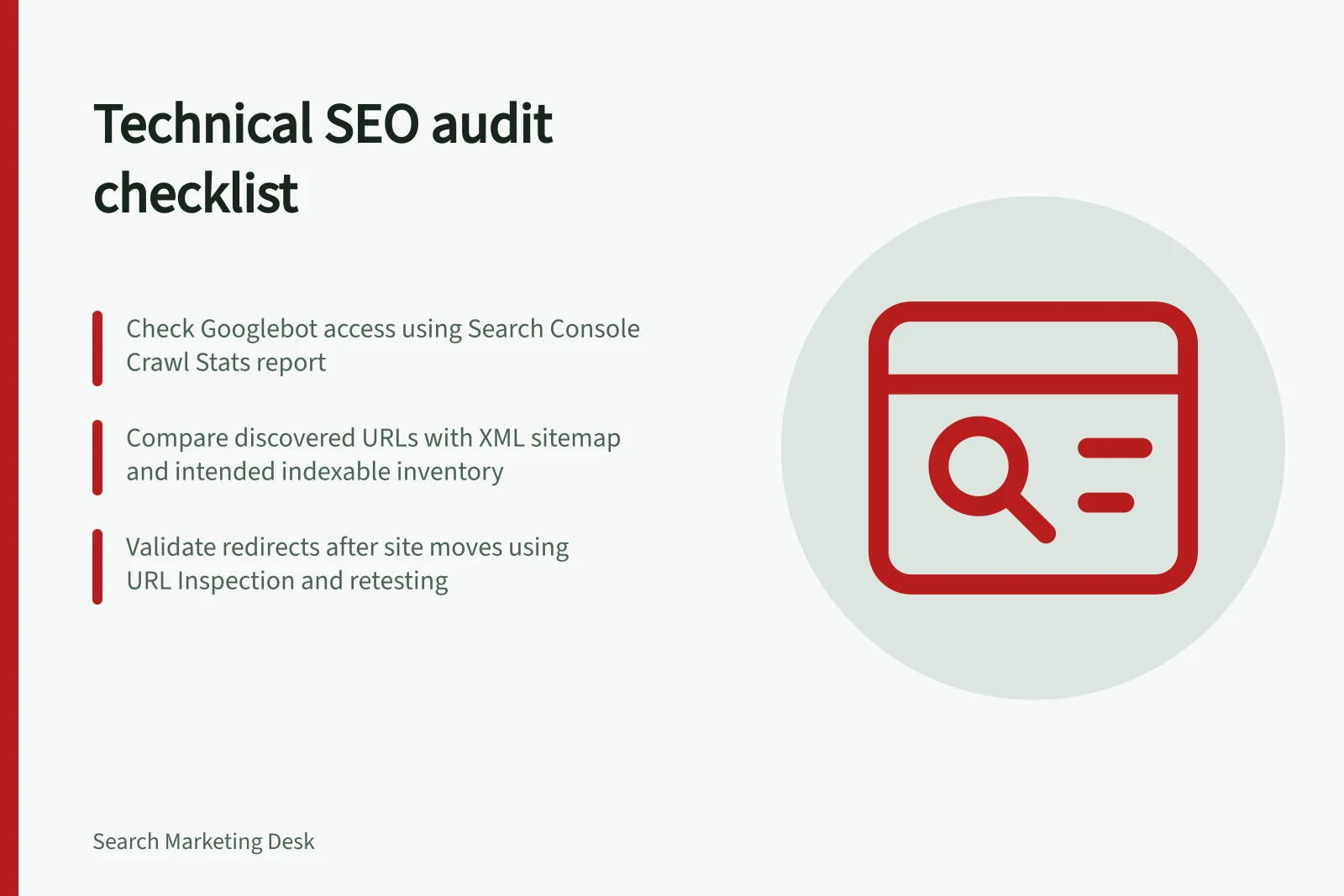
Run a site crawl with Screaming Frog or Sitebulb, then compare discovered URLs with the XML sitemap and intended indexable inventory. Use URL Inspection for representative URLs that need an individual check.
Not every discovered URL needs to stay in the index. Google's guidance on consolidating duplicate URLs notes that it is better for Googlebot to spend its crawling time on new or updated pages than on duplicate versions of the same content.
| Finding | First question | Likely owner |
|---|---|---|
| Important page unavailable | Can Google fetch and render the intended page? | Engineering and SEO |
| Duplicate content | Which URLs contain the same content? | SEO and content |
| Moved URL | Does the old URL reach the intended destination and expected status? | Engineering |
| Widespread errors | Did a template, server or deployment change? | Engineering |
Record the example URL, expected behaviour, observed behaviour, owner and retest method. Keep the evidence with each finding so it can be checked again.
Prioritising findings by affected page importance is a separate exercise; this audit supplies the evidence for it.
Key Metrics to Track During a Technical SEO Audit
- Discovered URLs (via crawl)
- Total number of URLs found by crawler
- Intended indexable inventory
- Number of pages meant to be indexed
- Duplicate URLs identified
- Pages with identical content across different URLs
Define what the audit covers
Set the audit boundary before collecting findings. A technical review can cover measurement and access, crawling and indexing, site architecture and internal links, on-page metadata, structured data, content quality and duplication, and page loading and rendering.
For each area, state what the review will check and what it will not decide. For example, the audit can test whether Googlebot can access pages; deciding which pages matter most is a separate question.
For measurement and access, confirm that the analytics and Search Console properties cover every hostname in scope. Record which properties and hostnames were checked.
For crawling and indexing, compare the crawl with the list of URLs the site intends to be indexable. Check robots.txt for URLs that should be crawlable and compare XML sitemap URLs with that intended inventory.
Google may still index URLs disallowed in robots.txt, so do not use it for canonicalisation; sitemap inclusion is a weak signal, while redirects and rel="canonical" are strong signals. Canonical tags express a preference rather than a command, and detailed duplicate-URL and canonical-signal review is separate.
For site architecture and internal links, check whether important pages are reachable through links from other pages. Record representative pages that are not linked from the pages expected to lead to them.
For on-page metadata, use crawl results to check for missing or duplicate title tags and meta descriptions. Also check titles and headings on representative templates, recording the affected URLs and template.
For structured data, check the templates that carry it and record whether the markup appears on crawled pages. Crawlers can also surface missing structured data.
For JavaScript rendering, enable the crawler's rendering option on representative templates and compare rendered content, links and metadata with the crawl results. Screaming Frog and Sitebulb are named crawler options with JavaScript rendering.
Check whether representative pages load and render, and record any failures for retesting. The audit can note load and rendering issues without setting an unsupported threshold.
Pros and Cons of Using robots.txt for URL Blocking in SEO
- ProsPrevents Googlebot from wasting crawl budget on low-value or sensitive pages (e.g., admin areas).
- ConsDoes not prevent indexing if the page is linked elsewhere; not reliable for canonicalisation.
Essential Checks for JavaScript Rendering in Technical SEO Audits
- Enable JavaScript rendering in crawlerUse tools like Screaming Frog or Sitebulb with JS support.
- Compare rendered vs. crawled contentVerify that dynamic content appears as expected in render mode.
- Check for missing metadata or linksEnsure headings, titles, and internal links are visible post-render.
- Test on mobile and desktopRendered output may differ based on device context.
Investigate crawl access
Check whether Googlebot can access important pages. Use Search Console's Crawl Stats report to review Googlebot activity over time and identify periods when access problems occurred.
Review host availability errors or warnings and the URLs reported as unavailable. Use URL Inspection for individual URLs, and record whether important pages load and render.
Record the affected URL, the report or inspection used, and the observed access behaviour. Separating a crawl symptom from its underlying cause is a separate exercise.
Crawl Access vs. Indexing: Key Differences in Technical SEO Audits
- Crawl Access
- Whether Googlebot can reach and retrieve a page's HTML content.
- Indexing
- Whether Google includes the page in its search results after crawling.
Interpret crawl evidence carefully
Compare crawl activity with a dated baseline after an adjustment. Record the URLs that changed, the result and the retest date, using the same URL set and crawl settings where possible.
Check whether the URLs found by the crawl match the intended inventory and XML sitemap, then compare the access evidence with Search Console. Keep the observations distinct from any diagnosis of their underlying cause.
Validate the cause and the fix
For a site move, map current URLs to their corresponding new URLs, redirect old URLs, check that destinations return the expected status, and monitor traffic on both old and new URLs. Checking redirect chains after a site change is a separate exercise.
After a fix, recrawl representative pages and use Search Console to monitor Google's later view. Record the observed result and retest date; indexing and rankings can lag and are not guaranteed.
Steps to Validate a Fix After a Technical SEO Change
- Map old URLs to new URLsEnsure all migrated pages have correct destination mappings.
- Implement redirectsUse 301 redirects for permanent moves; avoid chains.
- Recrawl representative pagesUse Screaming Frog or Sitebulb with rendering enabled.
- Monitor Search ConsoleTrack indexing status and rankings over time.
In this guide
- Prioritising technical issues by affected page importanceA crawler can make a large issue look urgent even when it affects only low-value URL variants. Prioritise the pages that should serve customers and appear in …
- Checking redirect chains after a site change: 5 stepsAfter a migration, old URLs should take visitors and crawlers to the most relevant current page. A redirect chain may still work, but each extra step adds a place …
- Reviewing duplicate URLs and canonical signalsSeveral URLs can show the same or nearly the same content because of filters, tracking parameters or platform defaults. The task is to decide which URL should …
- Separating a crawl symptom from its underlying cause“Crawled, not indexed” or a sudden error count describes an observation. It does not say whether the root cause is a server response, rendering problem, duplicate …