Indexation
Part of Technical SEO audits
Reviewing duplicate URLs and canonical signals
Several URLs can show the same or nearly the same content because of filters, tracking parameters or platform defaults. The task is to decide which URL should …
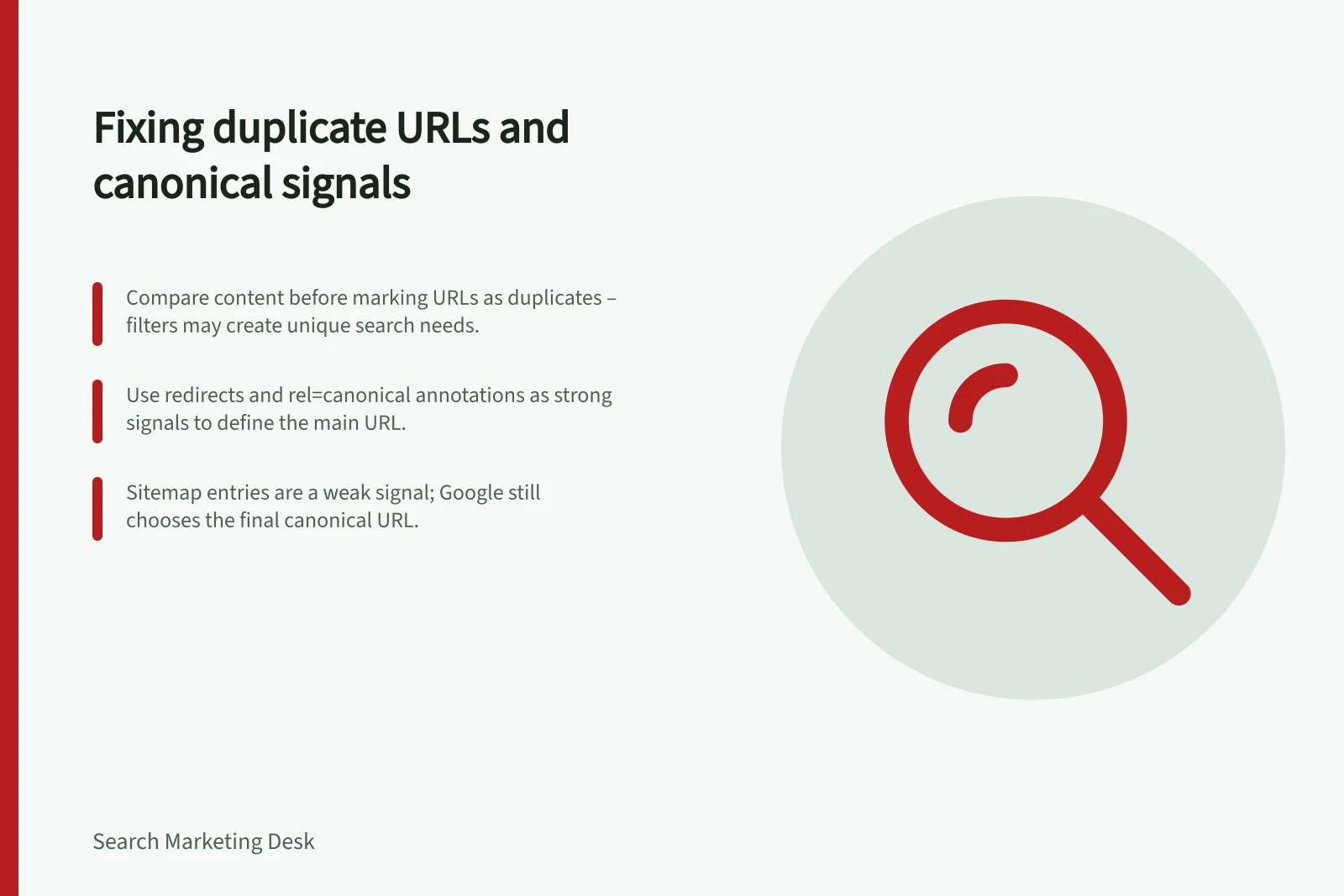
Begin with URLs that show the same or nearly the same content, including versions created by filters, tracking parameters or platform defaults. Compare the content before treating them as duplicates: a filtered category with a distinct search need and useful unique content may deserve its own search page.
Choose the URL that should represent the content in search. If an alternative simply repeats the main category, align the signals around that representative URL; if it serves a distinct need, it may have a separate purpose.
For each URL, compare the page content, internal links, redirects, rel="canonical" annotation and sitemap entry. Note whether these signals point to the same representative URL or disagree.
Google Search Central’s “How to specify a canonical URL” guidance ranks redirects as a strong signal, rel="canonical" annotations as a strong signal and sitemap inclusion as a weak signal. Signals can stack, but Google still selects the canonical URL itself.
A sitemap that includes one URL while the page’s canonical annotation specifies another sends conflicting signals. Choose the intended representative URL, then align the canonical annotation and sitemap inclusion; if the old URL is being moved, use a redirect to the new one.
Google’s example expresses a preference for [example.com](https://www.example.com/dresses/green/green-dress.html) rather than [example.com](https://example.com/dresses/cocktail?gclid=ABCD). When reviewing a similar URL pattern on your site, identify the intended representative and check that the canonical annotation and sitemap support that choice.
Use Google’s URL Inspection tool to test selected URLs. Treat the test as one check in the review: compare the cluster’s signals as well, since Google makes the final canonical selection.
A canonical preference is not required; if you do not specify one, Google identifies the version it considers objectively best. Do not use robots.txt or the URL removal tool for canonicalisation.
Canonical Signal Strength and Reliability
- Redirects
- Strong signal
- `rel="canonical"` annotation
- Strong signal
- Sitemap inclusion
- Weak signal
Recommended Canonical URL Example
- Alternative (to be consolidated)https://example.com/dresses/cocktail?gclid=ABCD