Technical Audits
Part of Technical SEO audits
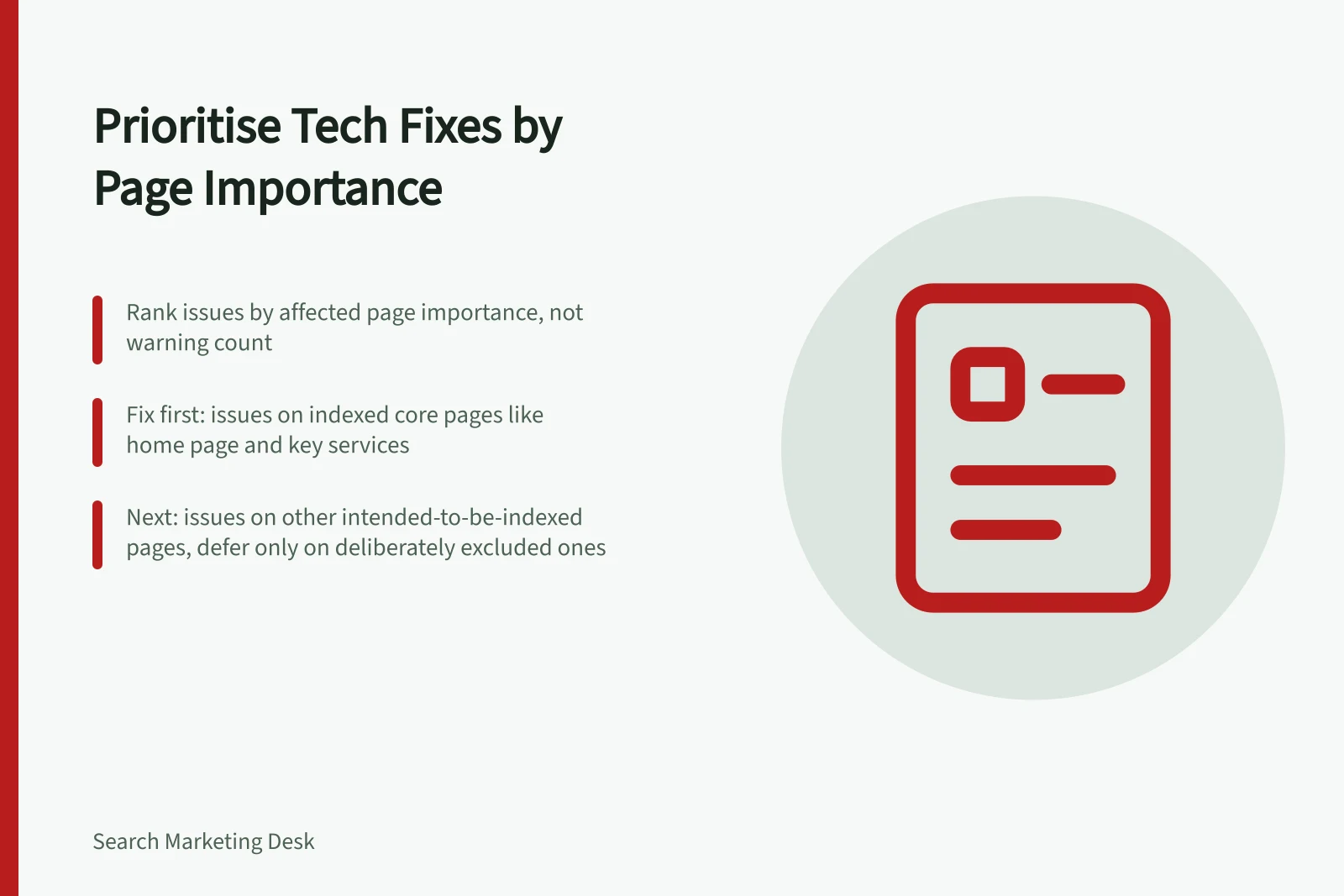
Prioritising technical issues by affected page importance
A crawler can make a large issue look urgent even when it affects only low-value URL variants. Prioritise the pages that should serve customers and appear in …
Start by ranking findings against the pages they affect, not by warning count. Inventory core templates and representative URLs: the home page, main categories, key products or services, and high-value guides. Mark which URLs should be indexed.
Use three working priorities. Put findings affecting intended-to-be-indexed core pages in “Fix first”; findings affecting other intended-to-be-indexed pages in “Next”; and findings affecting only deliberately excluded pages in “Defer”. An excluded page is not a fix solely because it is not indexed.
For each finding, record the affected URLs and template, whether those URLs should be indexed, the severity of the failure, and confidence in the diagnosis. This makes page importance the first sorting rule, with severity and confidence deciding the order within each priority.
Within a priority, put failures that prevent an intended page from being served or crawled ahead of less disruptive findings. Then put findings supported by diagnostic evidence ahead of unverified ones. If otherwise comparable, rank a finding affecting a template and several important URLs ahead of one affecting a single URL.
For example, a confirmed server error on a key service page intended for search ranks ahead of a duplicate filter URL that correctly points to a main category; the latter may need no change.
Use Google Search Console’s Crawl Stats report to review Googlebot availability history and identify URLs associated with availability errors. Use the URL Inspection Tool to test a few URLs. For a specific URL’s crawl history, inspect site logs: Search Console does not provide crawl history filtered by URL or path.
Give the top-ranked finding an owner and record the affected template or representative URLs, the expected state, and the diagnostic signal to recheck. After the change, repeat the relevant check; for a template-level issue, test representative URLs from that template. Treat the fix as validated when the original failure is gone and intended pages can be crawled.
Then watch the wider template for the same finding. Do not promise a traffic gain from a technical repair; the immediate goal is to restore intended access and signals.
Prioritising Technical Issues by Affected Page Importance
- Fix firstFindings affecting intended-to-be-indexed core pages (e.g. home page, main categories, key products/services)
- NextFindings affecting other intended-to-be-indexed pages (not core but still valuable)
- DeferFindings affecting only deliberately excluded pages (e.g. test pages, filtered variants not meant for indexing)
Key Tools and Data Sources for Technical Audits
- Google Search Console – Crawl StatsReview Googlebot availability history to identify URLs with crawl errors.
- URL Inspection ToolTest individual URLs for crawlability and index status.
- Site LogsUse server logs to review crawl history filtered by URL or path (Search Console does not provide this).