Site Architecture
JavaScript and search visibility
Check how JavaScript affects a page's rendered answer, crawlable routes and deferred content before investigating its Google Search visibility.
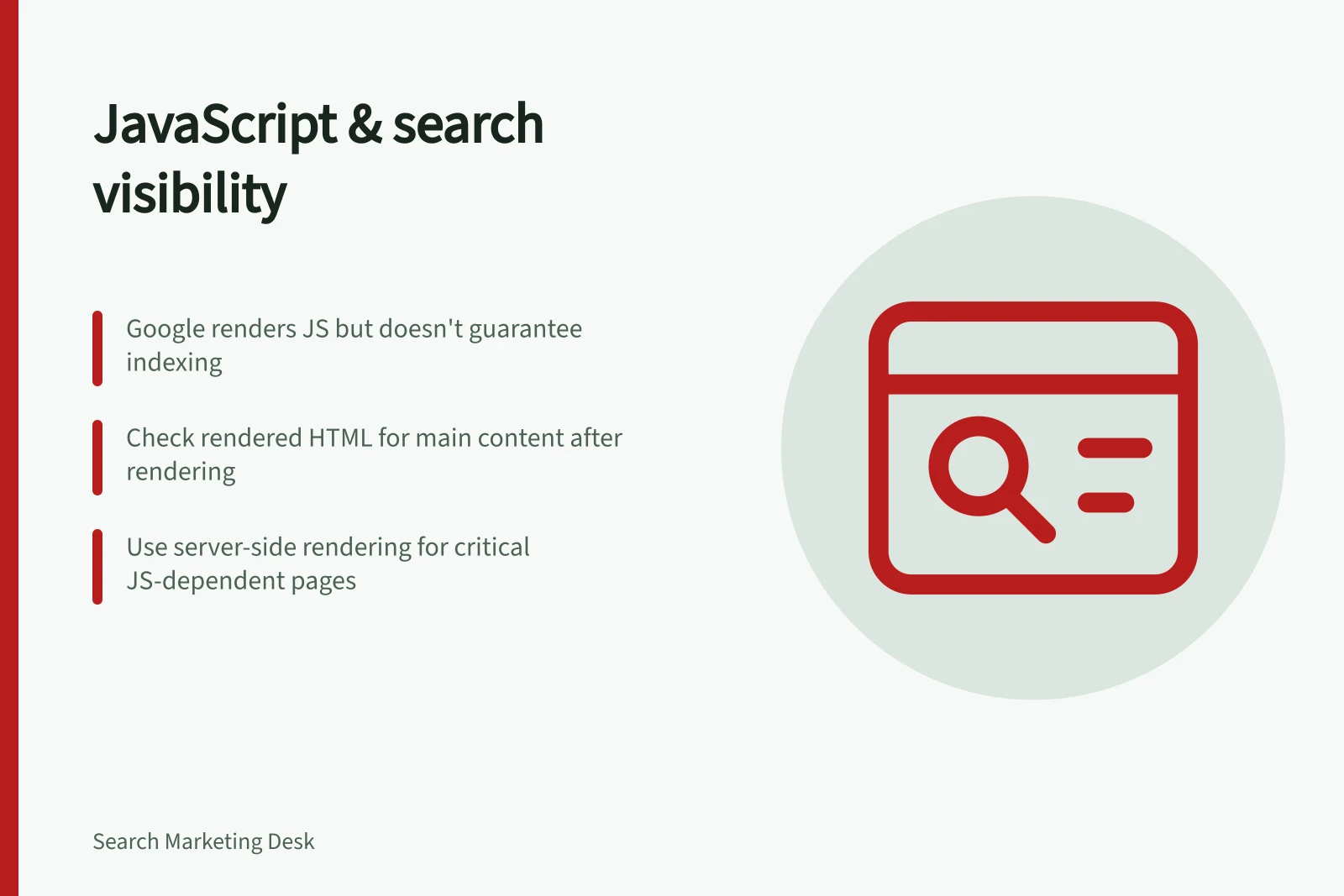
JavaScript can build a useful page while leaving its main content or routes hard for Google Search to use. Google can render JavaScript, but rendering does not guarantee indexing.
For an important URL, check what the server delivers, what Google's rendered HTML contains, and whether the page exposes links to other destinations.
Follow the page through Google's process
Google treats crawling, rendering and indexing as separate phases. It extracts links from the initial HTML response and again after rendering. If the response is only an app shell, Google relies on rendering to see the main answer. A blocked or failing resource may leave that answer absent.
Check the response and rendered page as two views of the URL. A successful response or browser screenshot alone does not establish what Google could use.
Question / Useful observation
- Can Google request the intended page?
- Crawl access, response and redirect destination
- Is the main answer available?
- Essential text and qualifications in rendered HTML
- Are other pages reachable?
- Rendered anchors with usable
hrefdestinations - Does delayed content load?
- Relevant content and media URLs in the rendered result
Googlebot checks robots.txt before requesting a URL. If the URL is disallowed, Google skips both the HTTP request and the URL itself; JavaScript files blocked from Google are not rendered either. Distinguish a blocked page from a blocked resource when deciding what to investigate.
Googlebot generally adds a page with a 200 HTTP status to the rendering queue unless a robots meta tag or header tells Google not to index it. With resources permitted, headless Chromium renders the page and runs its JavaScript. A page may wait in the queue before rendering, so an immediate result is not guaranteed. Google then uses the rendered HTML to index the page.
Key Facts About Google’s JavaScript Handling
- Rendering Engine
- Evergreen Chromium
- Rendering Queue Delay
- Possible; immediate results not guaranteed
- Support for Browser APIs
- Limited; not all features are supported
- Recommended Canonical Setting
- In HTML; avoid changing via JavaScript unless necessary
Check the answer and its routes
Choose a representative URL from each important JavaScript template. Identify the information a visitor needs for the page's main decision, then look for it in the rendered HTML. A navigation frame or loading state is not the answer.
If something is missing, record the exact text or element and compare it with an ordinary browser view. The difference suggests where to investigate; it does not prove a cause.
For navigation and page destinations, inspect the rendered anchors and open their URLs directly. Google generally crawls links expressed as HTML anchor elements with an href, including links inserted during rendering. A control that only responds to a click is a less reliable discovery route.
Check deferred content separately. Google's lazy-loading guidance calls for relevant content to load when visible in the viewport without requiring a user action. Distinct chunks of an infinite-scroll page should have persistent URLs and sequential links if they are intended to be discoverable.
Choose a rendering approach
If the rendered answer is missing, check whether the page depends on browser APIs or JavaScript features Google may not support. Google uses an Evergreen version of Chromium, but support is not unlimited. Feature detection can identify a missing API; polyfills may help, although some browser features cannot be polyfilled.
Server-side rendering or pre-rendering can make content available sooner to users and crawlers, including crawlers that do not execute JavaScript. Use them when the answer depends on rendering. The immediate page-level check remains whether the required content appears in the rendered HTML.
Dynamic rendering is a workaround, not Google's recommended solution: it detects crawlers and serves them a rendered version, adding complexity and resource requirements. It was intended for public, indexable JavaScript content that changes rapidly or uses features unsupported by crawlers; it is not a default fix for every missing answer.
Use the observed failure to choose the next focused check. A request or resource blocked before rendering points to access. An incomplete rendered answer points to content or runtime. Missing destinations point to rendered links; content that appears only after scrolling points to loading behaviour.
JavaScript Rendering vs. Server-Side Rendering (SSR)
- Rendering Approach
- Client-Side (JS-driven)
- Content Availability
- Depends on full JS execution; may delay or block visibility
- Crawler Compatibility
- Relies on Googlebot’s Chromium rendering; limited support for some APIs
- Best For
- Dynamic SPAs with fast updates; requires careful SEO implementation
- Alternative Approach
- Server-Side Rendering (SSR) or Pre-rendering
- Content Availability
- Immediate HTML delivery; no JS execution needed
- Crawler Compatibility
- High — crawlers can index content without rendering
- Best For
- Pages where search visibility is critical (e.g., product listings, news)
Pros and Cons of Dynamic Rendering
- ProsServes rendered HTML to crawlers while keeping lightweight client-side load for users
- ConsAdds complexity; requires server-side logic to detect crawlers; not recommended as default solution
Recheck the specific failure
If a priority answer or route is absent, inspect the rendered HTML, loaded resources and JavaScript errors for that URL. Compare another page using the same template to narrow the investigation. After a change, repeat the live check and later compare Google's indexed information.
Status codes help Google interpret the URL, not just retrieve its content. Use 404 for a page that cannot be found and 401 for a page that requires a login. When a page has moved, an HTTP status code can tell Google about the move and help its index update accurately.
For an index-stage check, compare the canonical URL in the original HTML with any value set by JavaScript. Google recommends setting the canonical in HTML where possible; if JavaScript sets it, keep it the same as the original value rather than changing it.
In this guide
- Checking whether rendered content includes the main page informationDefine a page's essential answer, inspect its rendered HTML and record what is missing without treating a live test as proof of indexing.
- Testing crawlable links in a JavaScript interfaceInspect rendered anchors, usable URLs and direct destinations to test whether a JavaScript interface exposes important page routes to Google.
- Reviewing lazy-loaded content for discoverabilityCheck lazy-loading triggers, rendered media and persistent routes to later content so important material can be discovered.
- Compare Source HTML with Rendered Page ContentCompare a page's initial HTML with its rendered document to find changed content, links and search signals without guessing at the cause.