Site Architecture
Part of International and multilingual SEO
Choosing a language and regional URL structure
Compare country domains, subdomains and directories for multilingual pages, then check the maintenance and reader implications.
Choose the pattern by what changes between markets, where publishing systems sit and how much operational separation the team can maintain. A shared domain and publishing system often favour subdirectories; a distinct country presence may justify a ccTLD; separate teams or systems may favour subdomains.
Define the pages before the pattern
A multilingual site offers content in more than one language; a multi-regional site explicitly targets users in different countries. A site can be both, with regional versions in one or more languages.
For each version, record its language, intended region, purpose and offer. An English page for a general audience differs from an English page for Australia only when the content or practical answer changes; if it does not, reconsider the extra regional URL.
Map the reader's route through each version: entry page, relevant product or service page, contact or purchase step, and a way to switch versions. This exposes missing pages that a tidy URL pattern might conceal.
Key Considerations When Choosing a URL Structure
- Language vs RegionA multilingual site offers content in multiple languages; a multi-regional site targets different countries. A site can be both.
- Content differenceIf English content for Australia differs from global English, use a regional URL. If not, reconsider the need for a separate URL.
- User journey mappingDefine entry points, product/service pages, contact/purchase steps, and version switching paths to expose missing content.
- Hreflang usageUse HTML, HTTP headers, or sitemaps to link correct language versions to Google Search.
- Avoid automatic redirectsDo not redirect users automatically to another language version; provide a visible switcher instead.
Compare the main options
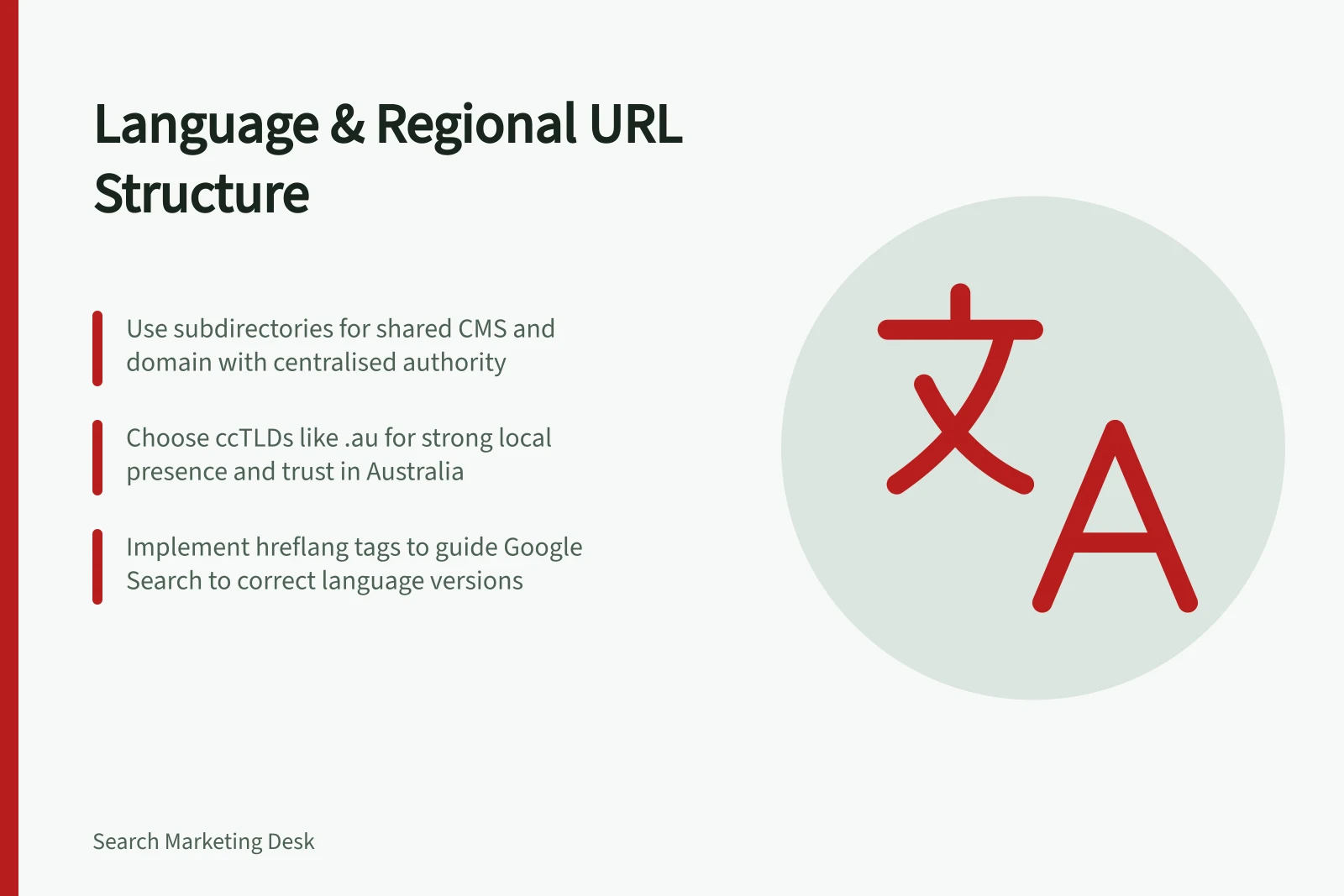
A country-code domain can use a form such as example.de. It gives a strong country signal and can build regional trust, making it a fit when country-specific presence matters. Plan for more infrastructure and maintenance, including hosting, SSLs and SEO strategies for each domain, plus work to keep content and user experience consistent.
A subdomain can use a form such as en.example.com. Choose it when clear boundaries between teams or systems, or flexible hosting, matter; coordinate host settings and make sure the intended locale is clear to readers.
A subdirectory can use a form such as example.com/en-us. It suits versions published under one host and CMS, particularly when the main domain already has authority. It can reduce maintenance and centralise domain authority, though it offers weaker geotargeting than a ccTLD and less separation between systems or owners.
A locale URL parameter keeps the language or region in the query string. Use it only with a clear reason, and give each language a different URL rather than changing one URL's content according to cookies or browser settings.
For a shared host and publishing system, favour a subdirectory. Where country-specific presence is central and the team can support the extra domain operations, consider a ccTLD; where teams or systems need separation, consider a subdomain. Weigh those needs against the number of versions the team must maintain and its available budget.
Pros and Cons of Using Locale URL Parameters
- ProsSimple to implement; useful when content changes are minimal and logic-based.
- ConsNot recommended for primary structure; risks confusing users and search engines if used improperly.
- Best practiceUse only with a clear reason and ensure each language has a unique URL — do not rely on cookies or browser settings.
Make addresses usable
Use a language label for a version intended for readers across regions, and add a region label when the version targets a particular market. Examples in use include en for English and en-AU for English in Australia.
Do not rely on the URL to tell Google the page's language: Google determines that from visible content, not the URL or code-level language information. Keep each page's content and navigation in one language.
Use hreflang annotations to help Google Search link to the correct language version; HTML, HTTP headers and sitemaps are supported methods.
Avoid redirecting people automatically to another language version. A visible switcher should lead to the corresponding page when one exists, rather than routinely sending readers to another market's home page.
Check the choice before launch
Confirm that the CMS can keep navigation and locale annotations consistent, and that someone can maintain each version's content. Open representative addresses directly to check that each shows the intended language and offer without forcing visitors elsewhere.
Follow the version switcher and check that it reaches a relevant counterpart. If existing addresses are changing, map old URLs to relevant new pages as part of the site move.
The pattern is ready when each version can be reached, understood and kept accurate by the team responsible for it.
Steps to Validate Your URL Structure Choice Before Launch
- Confirm CMS capabilityEnsure the CMS can maintain consistent navigation and hreflang annotations across all versions.
- Assign ownershipVerify that someone is responsible for maintaining each version’s content and updates.
- Test direct accessOpen representative URLs directly to ensure each displays the correct language and offer without redirects.
- Follow the switcherUse the language/region switcher to check it leads to a relevant counterpart page.
- Map old URLs (if applicable)Redirect legacy URLs to their new equivalents as part of the site migration plan.
- Final validationThe structure is ready when every version is accessible, understandable, and maintainable by its team.