Site Architecture
Ecommerce organic search
Plan category and product pages, control unnecessary URLs, keep offers accurate and review the shopping journey from search to product.
Ecommerce organic search helps shoppers reach the right range or product, understand what is on offer and decide what to do next. Start with the pages and paths that serve those tasks. Creating more URLs alone will not make a store easier to use or discover.
Give each page a job
A category page helps someone compare a range. A product page explains a particular item, its relevant attributes and current availability. A buying guide can answer a broader question that a listing cannot. Decide which page serves each task before creating another one.
A filter may be useful while browsing without needing a separate search landing page. A stable subset with a distinct range and a clear shopper need may deserve its own category page. Judge it by the choice it helps someone make and the range the store can maintain.
Internal links also help indicate which parts of the range matter most. Google analyses links between pages, including how many links point to a page and how many steps it takes to reach it, to infer relative importance. Navigation and cross-links can therefore support both shoppers’ routes and the store’s page hierarchy.
Make products reachable
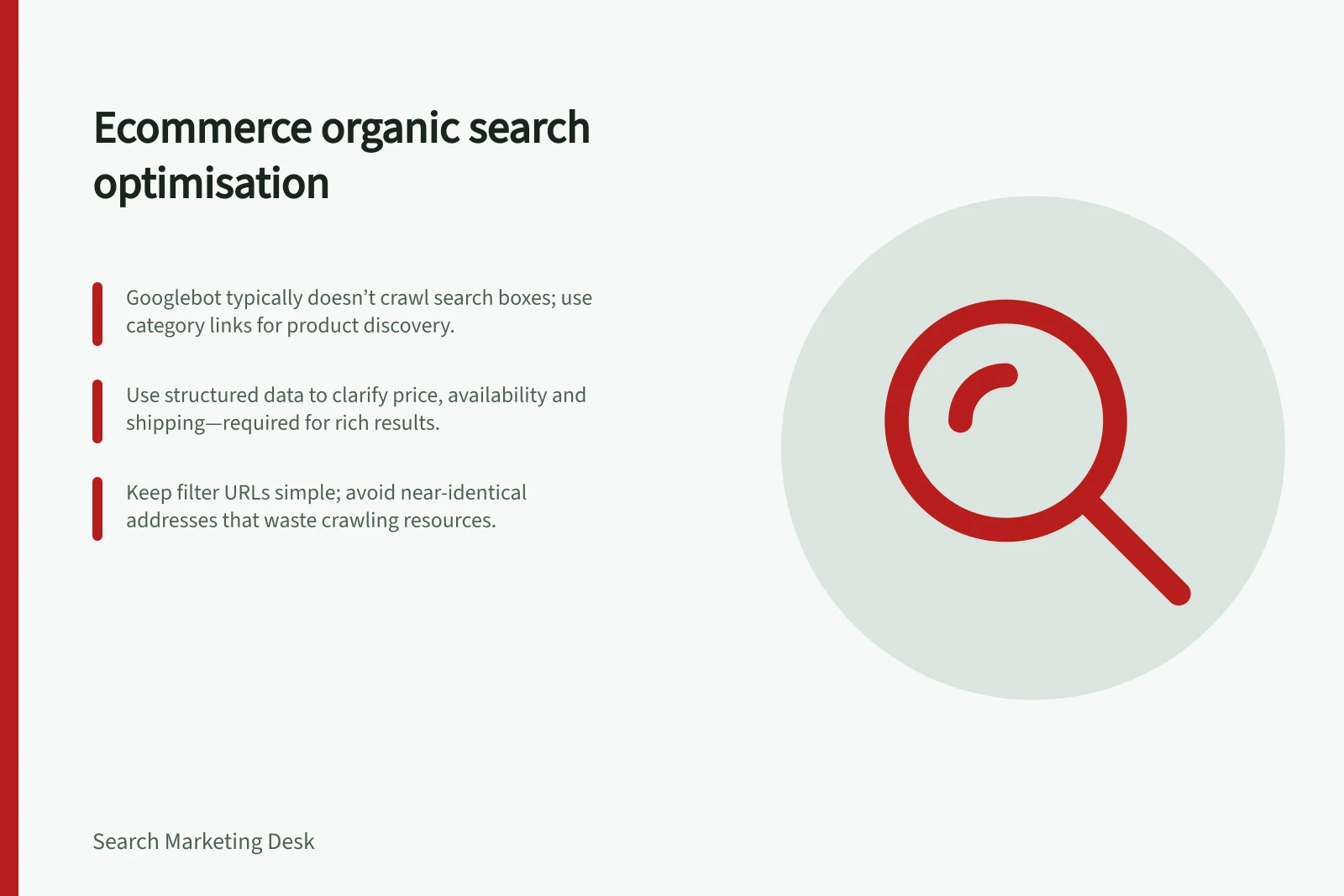
Build a browsable route from navigation through categories to products. Google’s ecommerce site-structure guidance says products omitted from category links may not be found by crawling alone: Googlebot generally does not submit searches to an on-site search box. For long ranges, give successive result pages distinct URLs and crawlable links to later products.
Keep filter and sort URLs purposeful. Large numbers of near-identical addresses can absorb crawling resources. Decide which filtered views need a search presence and which are only browsing states.
Where a product intended for indexing cannot be linked from category browsing, Google recommends linking to it where possible. If that is not practical, a sitemap or Google Merchant Center feed can provide a crawler with links it might not otherwise find. Use standard links to other pages rather than relying on JavaScript events attached to other page elements.
Key Metrics for Ecommerce Organic Search Success
- Crawlable Product Links
- Ensure all products are reachable via category paths
- Google Merchant Center Feed
- Required for Shopping ads, optional for Search results
- Structured Data Usage
- Improves rich result chances but not mandatory
- Sitemap Inclusion
- Helps discover unlinked products
Choose a results pattern
A long range does not have to appear all at once. Pagination gives shoppers a sense of the result size and their position, while splitting results across pages and requiring new page loads. A “load more” control keeps the content on one page and can show the total near the button, but is not suited to very large result sets.
Infinite scroll can make browsing feel continuous, but may leave shoppers unsure how many results remain and can cause scrolling fatigue. Whichever pattern suits the range and browsing experience, make sure crawlers can reach the products it reveals through links to further pages or results.
Pagination vs. 'Load More' vs. Infinite Scroll
- Pagination
- Clear result count, step-by-step browsing, crawler-friendly
- 'Load More'
- Single page experience, shows total near button, not ideal for large sets
- Infinite Scroll
- Continuous flow, may cause fatigue and unclear end point, hard for crawlers
Make the offer clear
Use verified product details that help someone choose: dimensions in suitable units, compatibility, materials, package contents, care requirements and meaningful variant differences where relevant. State limitations beside the features they qualify. Do not turn an unverified feature into a promised outcome.
Keep visible prices and availability accurate. If the store uses Google Merchant Center, keep its product data aligned with the landing page. Product structured data can make richer Search appearances possible, but it does not guarantee them. Merchant Center participation is unnecessary for ordinary Google Search results, although some Google shopping surfaces require it.
Structured product data can help Google understand product details such as price, discounts and shipping information, and may help a page appear with richer results. It is not required for a page to appear in Google Search.
Choose a product-data update method that matches how often the range changes. Google says smaller sites with infrequent updates can use an automatically created feed, while larger or frequently changing stores can upload feed files on a schedule. Its Content API can update data immediately, which can be particularly useful for stock levels.
Essential Actions for Product Page Accuracy
- Use verified product detailsInclude dimensions, materials, care instructions, package contents
- Display accurate pricing and stockSync with Google Merchant Center if used
- Implement structured dataUse JSON-LD for price, discounts, shipping info
- Update data regularlyUse automated feeds or Content API for frequent changes
Using Google Merchant Center: Pros and Cons
- ProsEnables Shopping ads, improves visibility in Google Shopping, helps with structured data sync
- ConsNot required for standard Google Search results; adds complexity for small stores
Handle changes to the range
For a temporary stock gap, show current availability and offer a restock option or suitable alternatives when useful. For discontinued items, review their role in the range and keep any remaining product information accurate.
After a range change, review category links, available variants and relevant destinations.
Review the shopping journey
Group pages by role when reviewing organic performance. For a category, inspect whether shoppers can reach suitable products. For a product, check whether the page answers purchase questions and reflects the current offer. Search Console and on-site data can identify pages to investigate; neither alone proves that a particular change caused a sales movement.
Begin with important ranges and representative products. Record the page’s job, the obstacle and the change made, then review the result after release.
In this guide
- Structuring category pages around shopping intentDefine a useful product range, show meaningful choices and make category-to-product browsing work for shoppers and crawlers.
- Handling discontinued product pages thoughtfullyChoose when to retain, redirect or remove a discontinued product page, and keep store and Merchant Center availability accurate.
- Preventing faceted navigation from generating unnecessary URLsClassify filter URLs, avoid unnecessary addresses, choose crawl and index controls, and check invalid combinations and pagination.
- Writing product information beyond a supplier descriptionTurn verified product facts into useful page copy, explain variant differences and limitations, and keep commerce data aligned.