Site Architecture
Measuring organic search performance
Measure organic search by reviewing relevant visibility, visits and useful business actions while keeping Search Console and GA4 metrics distinct.
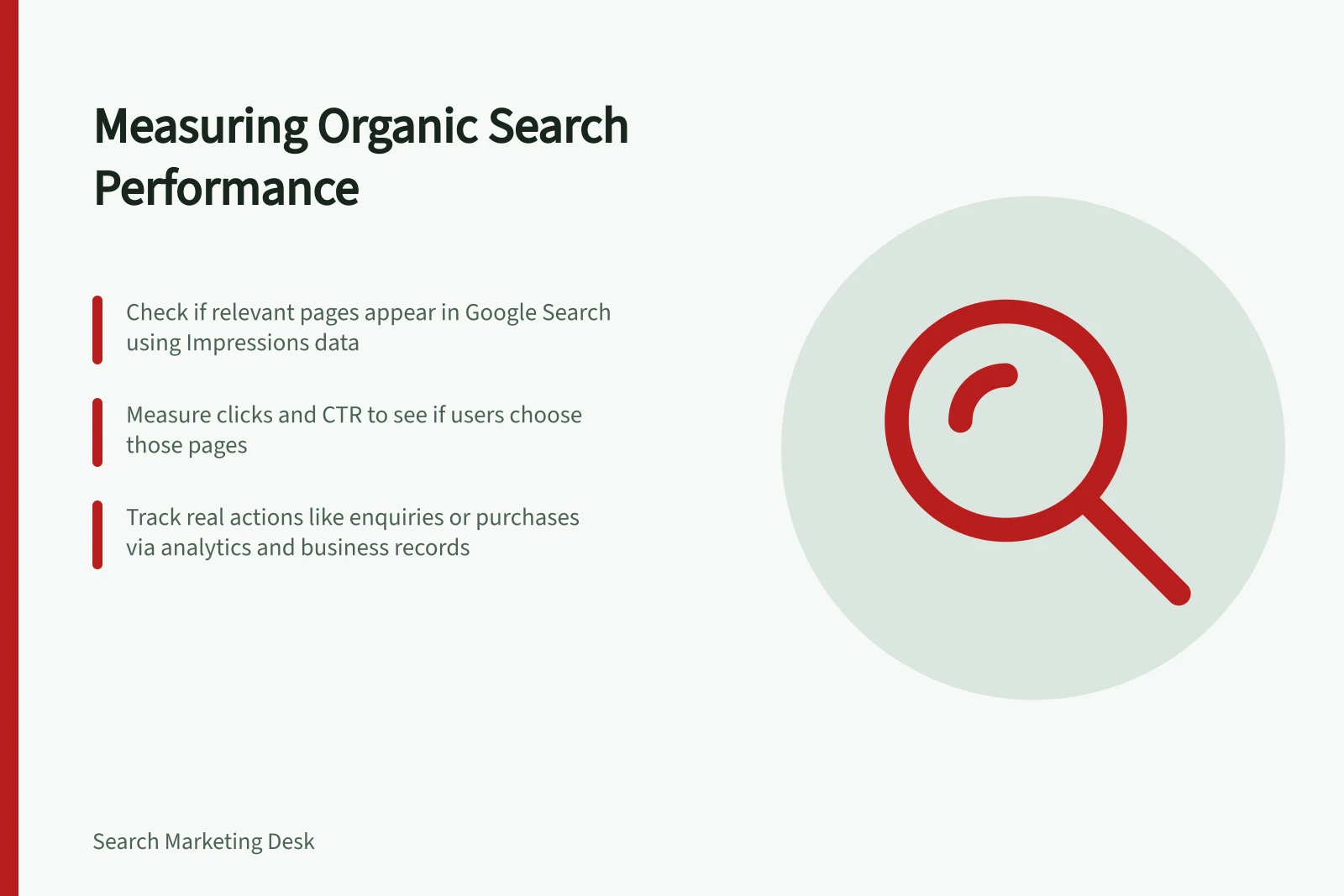
Measure organic search performance with three questions: are relevant pages appearing in search, are people choosing them, and do the resulting visits lead to useful actions? Search Console, website analytics and business records answer different parts of that sequence. Keep their measures separate.
Key Metrics for Measuring Organic Search Performance
- Relevant Pages Appearing
- Impressions (via Google Search Console)
- User Engagement
- Clicks and CTR (via Google Search Console)
- Useful Business Actions
- Completed enquiries, bookings, purchases (via GA4 or business records)
Define the reporting scope
Choose the pages, audience and actions that matter before reading a trend. A service business might review its main service pages and suitable enquiries; a shop might review category and product pages alongside purchases. Record the period, page group and any website or tracking changes.
Compare periods with the same filters and settings, and check each data source uses consistent conventions before comparing totals.
Read visibility and response together
Read visibility and response together; neither measure is complete on its own.
| Question | First measure | Next check |
|---|---|---|
| Is a priority page appearing? | Impressions | Which queries and devices account for the change? |
| Are people choosing it? | Clicks alongside impressions and CTR | Do the queries fit the page’s answer? |
| Is the change relevant? | Priority pages and queries | Has the branded or broader query mix changed? |
More impressions with flat clicks may reflect broader exposure. A stronger response on fewer impressions may still mean fewer clicks. Inspect the affected page and query group before changing its copy.
Separate name searches from wider discovery
Name searches and wider discovery can behave differently, so read them as separate contexts where possible.
Check what happened after arrival
Search Console measures activity in Google Search. If website analytics is configured, use it to review visits arriving after a search. Keep those measures separate from Search Console data.
Choose an action that represents a real step, such as a completed enquiry, booking or purchase. Check that its event records the intended completion. A submitted form is not necessarily a suitable lead; use enquiry or sales records when quality matters.
Make the next decision
For each important page, record the change, the affected segment, a possible explanation and the next check.
More non-branded impressions without more suitable enquiries, for example, calls for a look at the new queries, the page’s offer and the action path. The pattern alone does not show that the page failed or that a recent edit caused it.
In this guide
- Reading impressions, clicks and click-through rate togetherInterpret Search Console impressions, clicks and CTR together by checking query mix, page scope and incomplete query data.
- Comparing branded and non-branded Google Search activityCompare branded and non-branded Google Search activity while accounting for filter availability, classification errors and missing query data.
- Connecting organic visits with useful business actionsDefine useful actions, check GA4 event collection and review organic sessions alongside enquiry, booking or purchase records.