Indexation
Part of Measuring organic search performance
Reading impressions, clicks and click-through rate together
Interpret Search Console impressions, clicks and CTR together by checking query mix, page scope and incomplete query data.
Read impressions, clicks and click-through rate (CTR) as a single pattern. The Performance report shows them together, and no one measure explains a change on its own.
Key Metrics from Search Console Performance Report
- ImpressionsNumber of times your page appeared in search results
- ClicksNumber of times users clicked on your page after seeing it in search results
- Click-Through Rate (CTR)Clicks divided by impressions, expressed as a percentage
Compare the same slice
Start with one important page or a small page group. Compare equivalent periods with the same search type, country and device filters. Inspect the queries for that page: a property-wide CTR may shift because a different mix of pages or searches appeared.
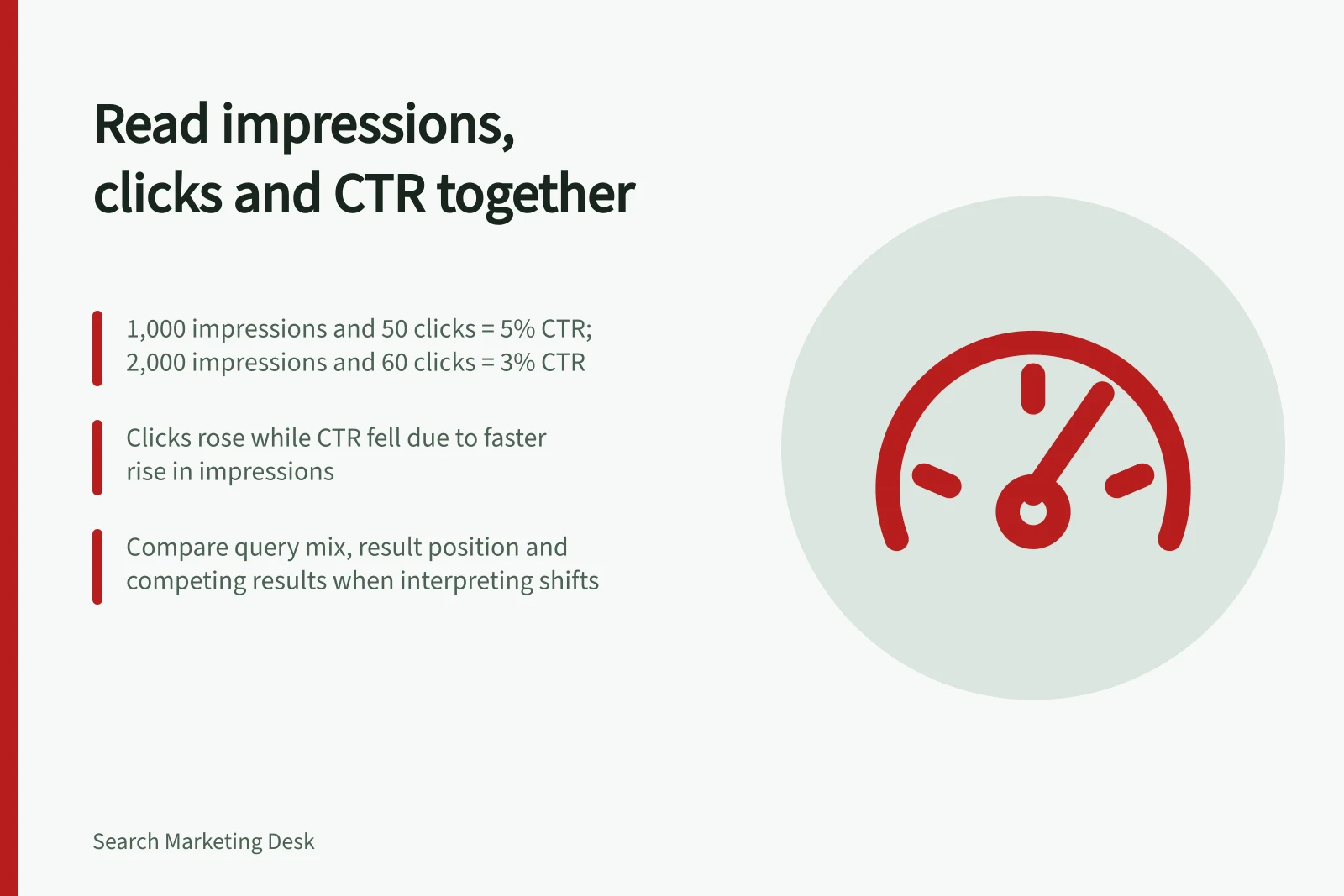
For example, 1,000 impressions and 50 clicks give a 5% CTR. Later, 2,000 impressions and 60 clicks give a 3% CTR. Clicks rose while CTR fell, because impressions rose faster. These are hypothetical figures, not site results.
| Pattern | Next check |
|---|---|
| Impressions rise; clicks stay flat | Which queries or devices account for the extra appearances? |
| Clicks rise; CTR falls | Did broader exposure increase the denominator while still bringing more visits? |
| Impressions fall; CTR rises | Did exposure narrow to a smaller set of relevant searches? |
| Both impressions and clicks fall | Is the change concentrated in one page, query group, country or device? |
The table suggests investigations, not causes. Query mix, result appearance, position and competing results may affect interpretation. Position figures summarise the impressions recorded rather than one rank everyone saw.
Move from page totals to queries
Select a priority page and inspect the queries for which it appeared. Give more weight to searches relevant to the page’s purpose than to unrelated high-impression terms. To check a particular query, compare it against the pages that appeared in the same view.
Treat query-level data as partial rather than exhaustive: filtered query groups may not add back to unfiltered totals, and totals can differ between views. Record the filters and view used beside any reported figure.
Choose the next page check
If relevant queries produce impressions but few clicks, compare the result’s promise with the answer on the page. If clicks rise while useful actions remain flat, inspect the on-site offer, action path and tracking separately.
A CTR movement alone does not show that a title edit caused it or that the page needs rewriting. Finish with a precise finding: the page, query group, period, observed pattern and next check.