Content Quality
Part of On-page titles and headings
Writing a search title that matches the page
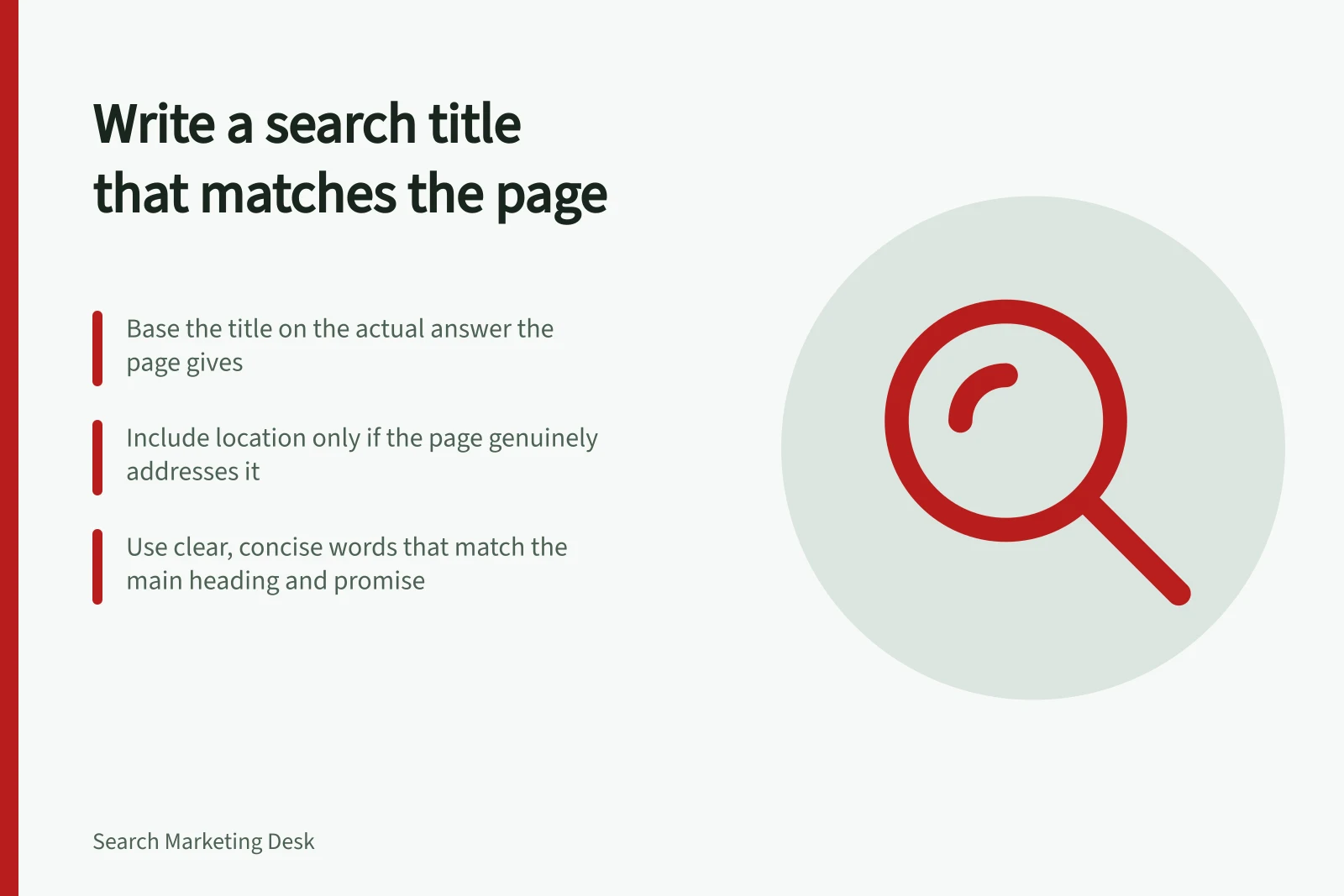
Draft an accurate page title from the answer the page gives, keep important limits visible and check the final title element.
Base a search title on the answer the page actually gives. Name its distinguishing subject, include a limit when it changes the promise, and remove claims the page cannot support. The HTML <title> element suggests wording for Google’s title link; Google generates the displayed link automatically.
State the page’s promise
Read the opening, main sections and action available to a visitor. Complete this sentence: ‘This page helps someone to…’. If a workshop page helps people check whether an item can be assessed, a title promising a complete repair-price list would mislead them unless that list is present and current.
For a first draft, identify the subject, the answer that distinguishes this page from nearby pages, and any necessary limit. A location belongs in the title when the page genuinely addresses that location. Several city names do not make a general page locally useful.
Checklist: Writing a search title that matches the page
- Identify the page's core promiseComplete the sentence: 'This page helps someone to…' using the actual content.
- Include key differentiatorsHighlight what makes this page unique compared to similar pages (e.g., location, specific service).
- Apply necessary limitsOnly include qualifiers like 'same day', 'Australia-wide', or 'for small businesses' if supported by the page.
- Remove unsupported claimsAvoid promises such as 'free quotes' or 'instant results' unless the page delivers them.
Make the title specific and concise
‘Preparing an item for workshop assessment’ identifies a clearer task than ‘Services’. Use the words someone needs to recognise the page; cut repeated phrases, generic promotion and details the page does not explain. Google recommends descriptive, concise and distinct <title> text and warns against keyword stuffing and boilerplate.
There is no character count that guarantees full display. Google truncates title links as needed to fit the device width. Put the essential distinction early enough to understand quickly, then check whether a business name helps identify the page without crowding out its subject.
Compare proposed titles for neighbouring pages. If several differ only by a template word or place name, check whether the pages themselves offer distinct answers.
Before and after: Effective vs. misleading titles
- Before (vague)Services at our workshop
- After (specific)Preparing an item for workshop assessment in Sydney
- Before (misleading)Get your repair done today – Australia-wide
- After (accurate)Book a repair assessment – availability in Melbourne only
Pros and cons of including location in titles
- ProsImproves relevance for local searches; helps users in specific areas find relevant services quickly.
- ConsUsing multiple city names can dilute focus and reduce usefulness for general audiences.
Google’s title link best practices
- Recommended title length
- Descriptive, concise and distinct – no fixed character count
- Avoid keyword stuffing
- Do not repeat keywords unnecessarily or use boilerplate phrases
- Title display flexibility
- Google may truncate titles based on device width
Check the landing-page promise
Read the title beside the visible main heading and opening. They need not use identical words, but they should answer the same reader question. ‘What to bring to a repair assessment’ can lead to ‘Prepare your item for assessment’ if the page gives that information. A page mainly about booking availability needs a different title.
Notice what individual words promise. ‘Cost’ suggests usable cost information; ‘same day’ suggests a timing commitment; ‘Australia-wide’ suggests coverage. Keep each only when the page supports it and shows relevant conditions.
Inspect the rendered <title> element. A CMS field may differ from the final HTML. Google uses a number of different sources to determine the title link automatically, so the wording shown for one search does not establish that your title text was displayed unchanged.