Content Quality
Part of On-page titles and headings
Choosing one clear main heading
Choose a main heading that identifies the page’s answer, aligns with its title and remains clear in the rendered layout.
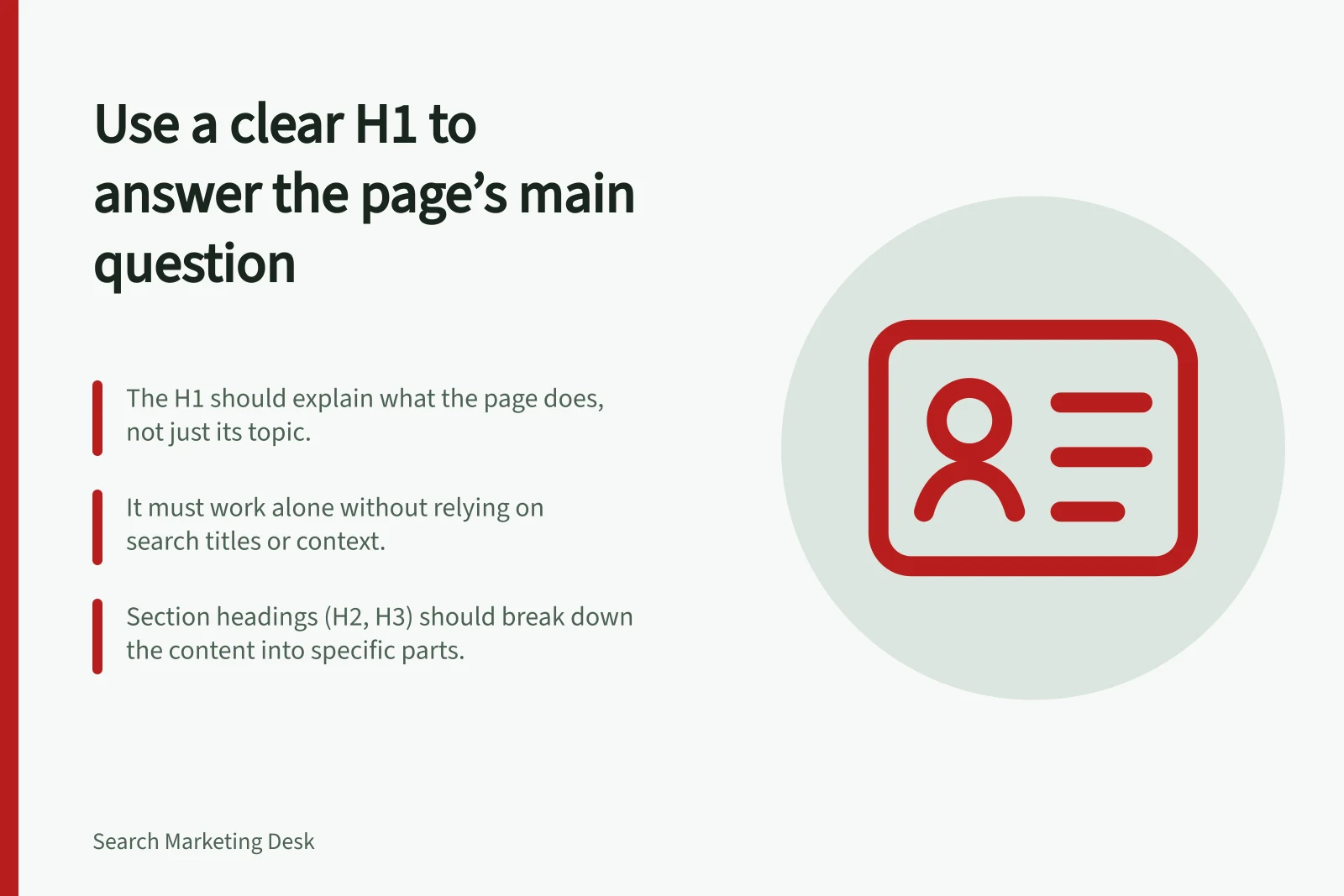
Choose a main heading that tells a visitor what this page answers. For an article, one visible H1 naming the central subject is a useful editorial pattern. The heading should first make the page understandable to a person who arrives there.
Name the page’s whole answer
Read the page without its proposed heading. ‘Equipment servicing’ identifies a subject, but it does not reveal whether the page explains a service, offers maintenance advice or helps someone book. Choose wording that reflects the job the page actually performs.
A visitor may arrive without seeing the search title. The H1 should therefore work on its own, in plain language.
The search title and H1 can differ, but their promises should be compatible. If one promises a comparison and the other introduces a basic definition, check the content before changing either.
Make the main heading easy to recognise
Google uses a number of different sources to automatically determine a title link. In the rendered page, make the article heading easy for readers to distinguish from a banner, promotion or repeated template label.
A CMS preview may not show the final page structure. Check the rendered H1 and the surrounding prominent text before accepting the heading. This is a page check, not a claim that Google will display the H1 as the title link.
Give section headings narrower jobs
The H1 names the whole page. H2s name its main parts; an H3 belongs within an H2 section when that section needs a genuine subdivision.
A service page, for example, might use its H1 to name the service and its H2s to cover eligibility, process and enquiries. Those section labels should match the information actually provided.
W3C accessibility guidance explains that headings communicate organisation and can support in-page navigation. It recommends nesting levels according to structure and avoiding skipped levels where possible. Headings should also describe their topic or purpose; correct markup around vague wording will not tell readers what a section contains.
Read the H1 and section headings as an outline, then check the first paragraph under each. The outline should make the page’s answer clear without turning every section heading into another version of the H1.