Content Quality
Part of On-page titles and headings
Reviewing title changes without assuming every fluctuation is caused by them
Record a title edit, compare the same page and query context in Search Console, and check other causes before attributing a change.
Treat a title edit as one documented change to a page. A later rise or fall is an observation, not proof the edit caused it. Google may show a different title link, and search demand or results can change independently.
Record the change
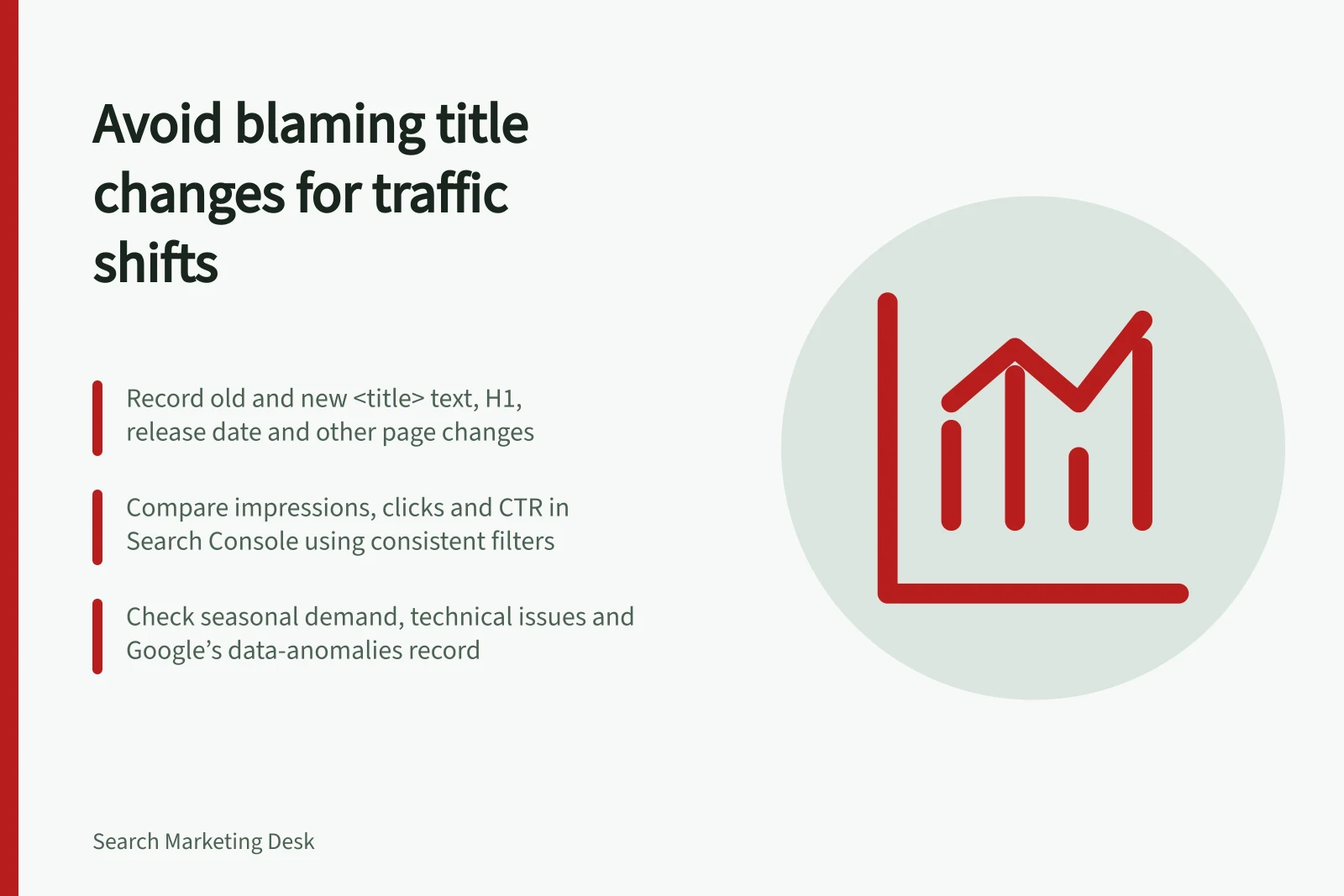
Before editing, save the page URL, the old and proposed <title> text, the visible H1, the reason for the edit and the release date. Record other changes made around the same time, such as new content, redirects or template updates. If several things changed together, a later comparison cannot isolate the title’s contribution.
After release, inspect the rendered <title> and the page’s opening. A CMS field does not establish what the final HTML contains. An observed Google title link adds context, but Google generates title links from several sources and can show different wording.
Compare the same search context
In Search Console’s Search results Performance report, filter to the relevant page and compare suitable periods before and after the edit. Keep the search type, country and device filters consistent.
Read clicks alongside impressions and click-through rate (CTR). CTR is clicks divided by impressions, so a different mix of queries can change the rate. Inspect the queries associated with the page.
| Observation | Next question |
|---|---|
| More impressions, similar clicks | Did the page appear for a broader mix of queries? |
| Similar impressions, more clicks | Did the change occur on queries the title was meant to clarify? |
| Fewer impressions and clicks | Did demand, position, indexing or another site factor change? |
| A different displayed title link | Does the supplied title accurately describe the visible page? |
These are investigation prompts, not diagnoses. Average position is an average over the selected impressions, not a fixed rank seen by every searcher. Confirm the page filter represents the URL you intend to review.
Key metrics to monitor after a title change
- Impressions
- Measure overall visibility in Search Console
- Clicks
- Track user engagement with the result
- Click-through rate (CTR)
- Clicks divided by impressions; sensitive to query mix
- Average position
- Average ranking across impressions; not a fixed rank
Check other explanations
Compare the business calendar, seasonal demand and other site releases. Google identifies changing search interest, technical issues and search-system changes among possible reasons for traffic movement. Its data-anomalies record can also reveal reporting issues relevant to the dates being compared. A movement across many pages deserves a wider investigation before another title edit.
Google notes that site changes can take time to show results; some take effect in days and others months. It suggests waiting before analysing Search Console again. Avoid judging only the first day after release. Record the dates used for comparison; waiting longer improves observation but does not make a before-and-after comparison a controlled experiment.
State what the evidence supports
Correct a new title that overpromises or conflicts with the page, because it is inaccurate. If a shift appears on relevant queries while other conditions seem reasonably stable, describe the edit as a possible contributor. If demand, indexing or site-wide results also changed, investigate those factors before attributing the movement.
Finish with the URL, dates, observed page and query pattern, alternative explanations checked and next action. That record is more useful than declaring success or failure from one CTR figure.