Site Architecture
Search result changes and AI features
Understand AI features and other search result changes, check their effect on your pages, and choose useful website improvements.
Search results change in layout, features and destinations. For an Australian business website, identify what changed for an important reader task, examine your own data and check whether its pages still give accurate answers. One unfamiliar result is not evidence that a new optimisation tactic is needed.
Separate the feature from its effect
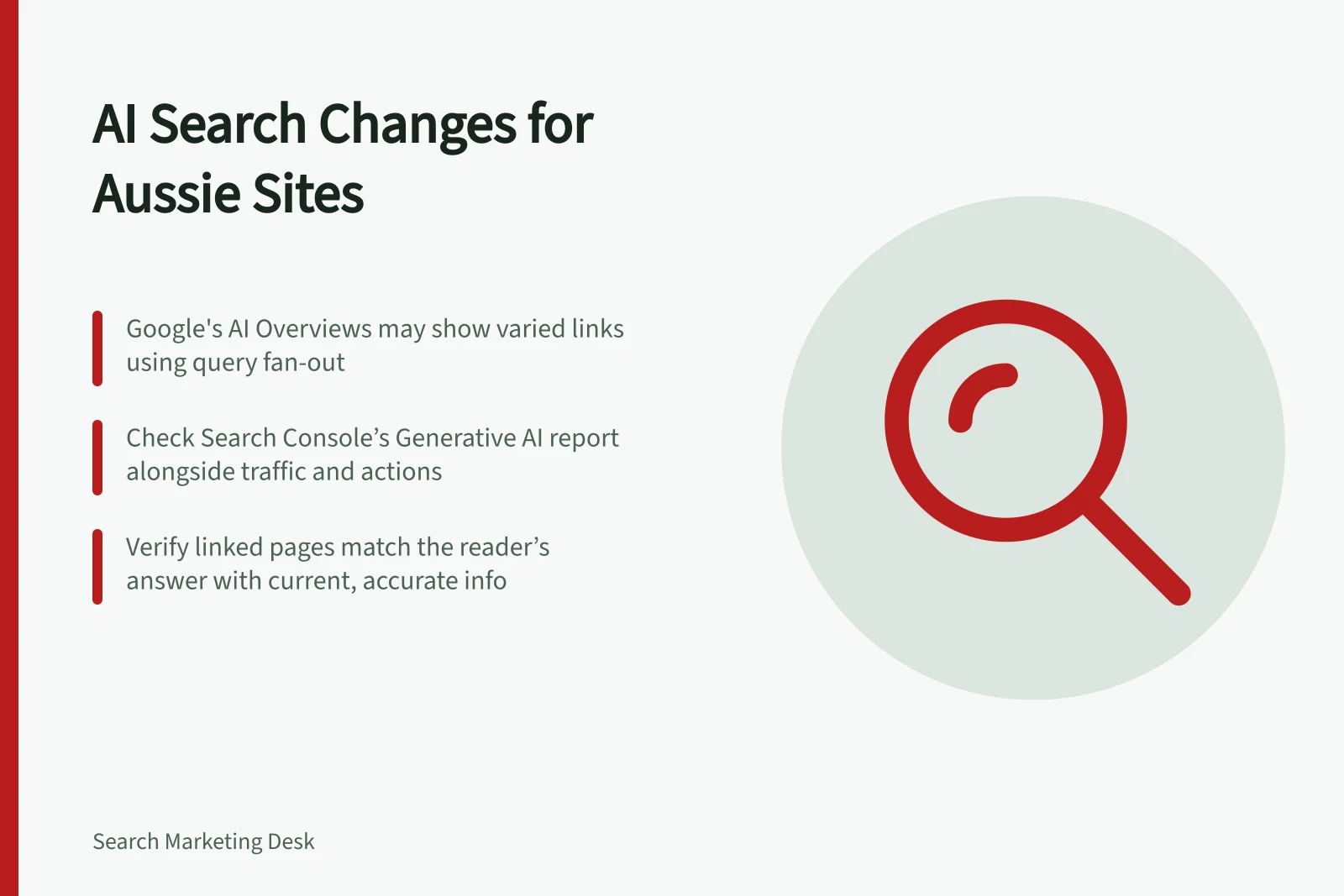
Google Search can show AI Overviews and AI Mode responses with links to supporting pages. AI Overviews do not appear for every query, and responses and links can vary. Record the query, date, device, location setting and feature you observed, but treat that result as one observation.
Then ask whether the pages that matter to the business changed in visibility, visits or useful actions. Search Console has a Generative AI performance report, but a single report is only one piece of evidence and should not be treated as a complete account of visibility or outcomes.
AI Overviews vs. Traditional Search Results
- Feature TypeAI Overviews
- Appearance FrequencyNot shown for every query; varies by topic complexity
- Link SourceGenerated from query fan-out across subtopics and data sources
- Content FocusSummarises complex topics; supports exploration and reasoning
- Page EligibilityMust be indexed and eligible for a Search snippet — no extra requirements
- User Intent MatchDoes not guarantee direct match to one phrase — context matters
Interpret the search task
Google describes AI Overviews as a way to help people grasp a complicated topic or question and then explore supporting links. AI Mode is particularly suited to further exploration, reasoning and complex comparisons, including nuanced questions that might previously have required several searches.
Consider whether the result responds to a broad request for an explanation or helps someone compare options; the feature's role may affect which pages appear useful to the searcher. It does not, by itself, show that a particular page or business has gained or lost meaningful visibility.
Google says AI features may use query fan-out: running related searches across subtopics and data sources while generating a response. The models can identify additional supporting pages, producing a wider and more diverse set of links than a classic search result.
Interpret a link's presence in the context of the broader task. It is not proof of a direct match to one phrase.
Check the destination and the reader's answer
Follow an observed supporting link and read its final page. Does it address the point you are checking, with the dates, exclusions and conditions that change the answer? A reputable domain or plausible title does not establish that the linked page supports a particular statement.
For your own pages, check whether redirects lead to the intended answer and whether important information is current. If a report row appears under an unexpected URL, investigate the final destination and canonical selection separately.
Key Metrics to Monitor for AI Search Impact
- AI Feature Visibility (Search Console)
- Use Generative AI performance report to track exposure
- Crawl Access Status
- Ensure robots.txt, CDN, and hosting allow indexing
- Canonical URL Accuracy
- Verify correct canonical selection avoids misdirected links
- Page Freshness & Updates
- Confirm dates, conditions, and exclusions reflect current information
- Structured Data Consistency
- Ensure schema markup matches visible text content
Choose changes you can justify
Google says established Search guidance remains relevant to AI Overviews and AI Mode. To be eligible as a supporting link, a page must be indexed and eligible for a Search snippet.
Eligibility does not guarantee that a page will appear. Google says there are no additional technical requirements for appearing in these features beyond the ordinary Search requirements.
Make important pages reachable, keep central information available in text, and ensure any structured data matches visible content. State an offer's limits where a visitor needs them. Give each page a distinct reader task instead of creating a near-duplicate for every wording an AI response suggests.
Check ordinary Search foundations first
When reviewing whether a page can be considered for an AI feature, start with ordinary Search foundations rather than a separate AI optimisation plan. Google's guidance points to Search technical requirements and policies, along with helpful, reliable, people-first content.
A practical technical check is whether crawling is allowed not only by robots.txt but also by the site's CDN or hosting infrastructure. A page that appears available to a visitor may still need those access settings checked if it is not being crawled as expected.
Investigate movement before assigning a cause
For a structured way to investigate movement, including period comparisons, Search Console filters and analytics checks, see the supporting article on general organic search measurement (S052-P05). Then choose a narrow action: correct an inaccurate answer, repair a wrong destination, improve a confusing page or keep observing when the evidence is insufficient.
Investigating Search Result Changes and AI Features
- Use Search Console filters and analytics to compare performance over timeCheck organic traffic, impressions, and click-through rates across periods
- Identify specific changes in visibility or user actionsLook for drops in visits or shifts in page rankings for key content
- Confirm whether the issue is technical or content-relatedVerify crawling access via robots.txt, CDN, or hosting settings
- Check final destination of links from AI OverviewsFollow supporting links to ensure they deliver accurate, up-to-date answers
- Take a narrow, justified action based on evidenceFix incorrect answers, repair redirects, or improve clarity — not speculative optimisation
In this guide
- Evaluating search feature changes with first-party performance dataCompare Search Console, analytics and business records to investigate search feature changes without claiming an unproven cause.
- Keeping AI-search claims separate from documented guidanceAudit AI-search advice against exact provider guidance, dated observations and site evidence before making a content change.
- Checking whether citations lead to the correct source pageAudit an AI-search link's final URL, source passage and missing qualifications before judging whether it supports a claim.
- Improving content clarity without writing for speculative ranking tricksEdit pages for clear answers, accurate limits and useful structure while checking AI-search tactics against documented guidance.