Site Architecture
Part of Local organic search
Matching service pages to actual service coverage
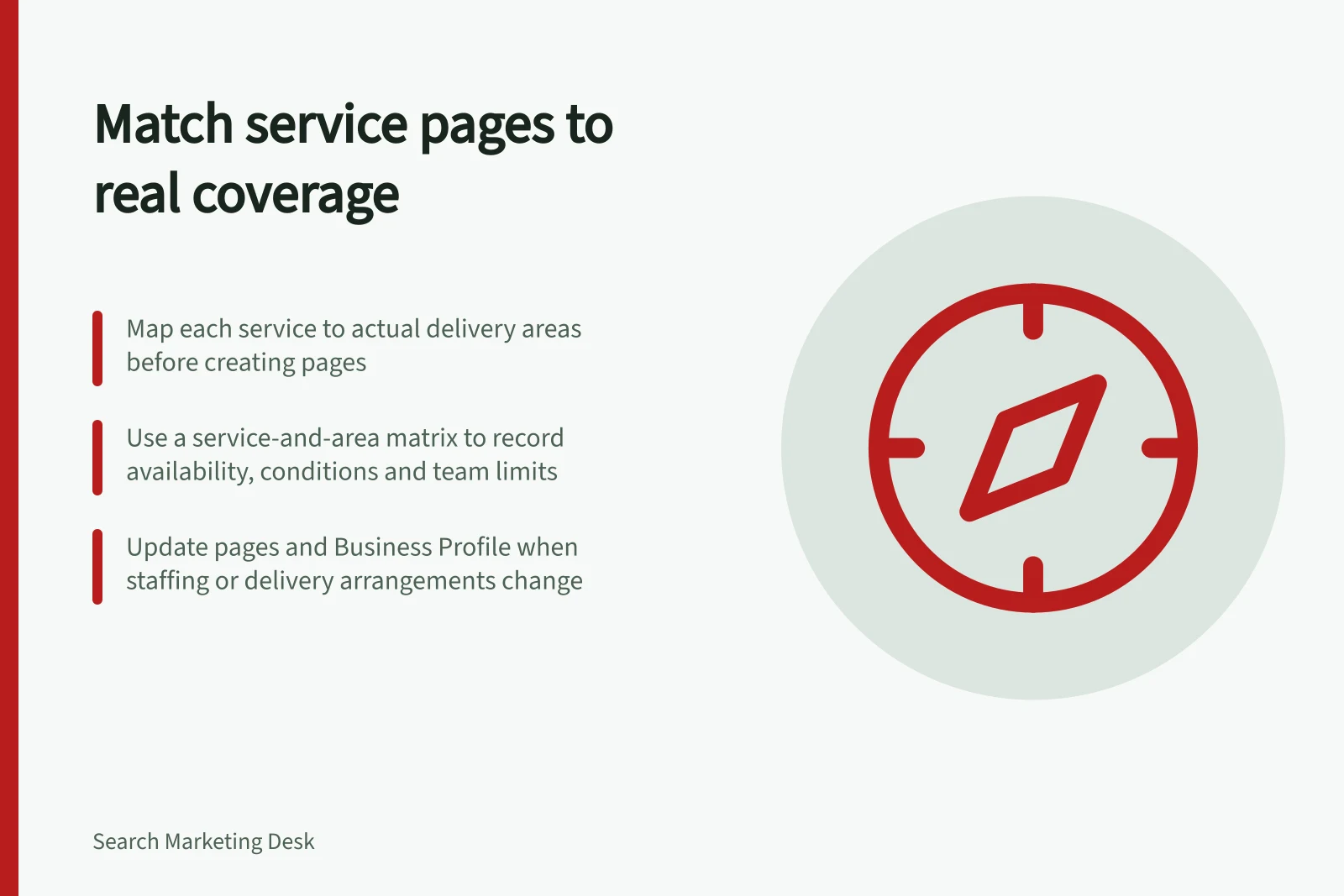
Map each service to real coverage, choose useful pages and make booking conditions clear before a customer enquires.
A service page should promise only what the business can deliver where the customer asks. Map each service against actual coverage before adding locations to headings or making new pages. A broad business coverage area does not establish that every service is available throughout it.
Make a service-and-area matrix
List the services customers can book and the areas where each can be delivered. Have the people who schedule or perform the work confirm the limits. Record availability, booking conditions, whether customers visit the business or staff travel, and who owns updates. If coverage varies by day, job size or team capacity, state that condition instead of marking the whole area simply “served”.
For example, a repair business might collect small appliances in one suburb but accept workshop drop-offs from a wider region. Its collection page should explain the collection boundary; its workshop page can explain the broader drop-off option. A single “we serve the whole region” claim would hide the distinction a customer needs.
Coverage finding / Page decision
- The service is available across the stated area under the same conditions
- Explain the shared coverage on the main service page.
- Availability or booking conditions differ by area
- Put the difference where customers will see it before enquiring.
- A place has its own premises, team or useful customer instructions
- Consider a distinct location page if those details justify it.
- The service is unavailable there
- Remove the claim.
Service Availability vs. Page Claims: What to Show and When
- Service Available Across Area Under Same Conditions
- Explain shared coverage on the main service page
- Availability or Booking Conditions Differ by Area
- Highlight differences where customers see them before enquiring
- A Location Has Unique Premises, Team or Instructions
- Consider a distinct location page if justified
- Service Unavailable in the Area
- Remove the claim entirely
Key Metrics for Accurate Service Coverage Mapping
- Services Listed
- All services that can be booked
- Areas with Different Conditions
- Count of zones with unique booking rules
- Pages Required
- Minimum set needed to reflect real coverage
- Business Profile Updated
- Last update date (verify manually)
Choose the smallest useful page set
Start with a page for the service itself. Add an area page when it answers a question the main page cannot answer clearly: where to visit, which team attends, what access arrangements apply or how the offer differs. A visitor should be able to use that page directly without being sent through a generic location gateway.
Avoid multiplying near-identical pages for nearby suburbs. Google’s doorway-abuse examples include substantially similar city-targeted pages that funnel visitors to one destination. A real service boundary does not require a page for each place inside it. If one page can state coverage precisely and let customers act, use it.
Check the promise at the point of contact
Read the page as someone requesting the service from a specific address. Can they tell whether they qualify, what information to provide and what happens next? Compare the page with booking forms, phone scripts and automated replies. A page that says “available in Sydney” while its form rejects most Sydney postcodes creates friction, even if the broad heading could be defended.
Review the matrix when staffing, premises or delivery arrangements change. Update affected pages and, where relevant, the Business Profile service area. Confirm that the updated coverage reflects current operational availability.
Near each coverage boundary, use example customer addresses to confirm that the page’s promise matches the operations team’s answer. Correct ambiguous copy or booking steps before customers rely on them.