Ecommerce Search
Part of Local organic search
Evaluating local search visibility without assuming every visitor is local
Use Search Console, GA4 and Business Profile data without treating every visitor or interaction as a local customer.
Measure local search visibility against the customers and areas the business can serve.
A local business’s organic traffic is not automatically local, and an Australian visit is not necessarily relevant to an Australian service area.
Start with the page, search need and location question; then use each report for what it can measure.
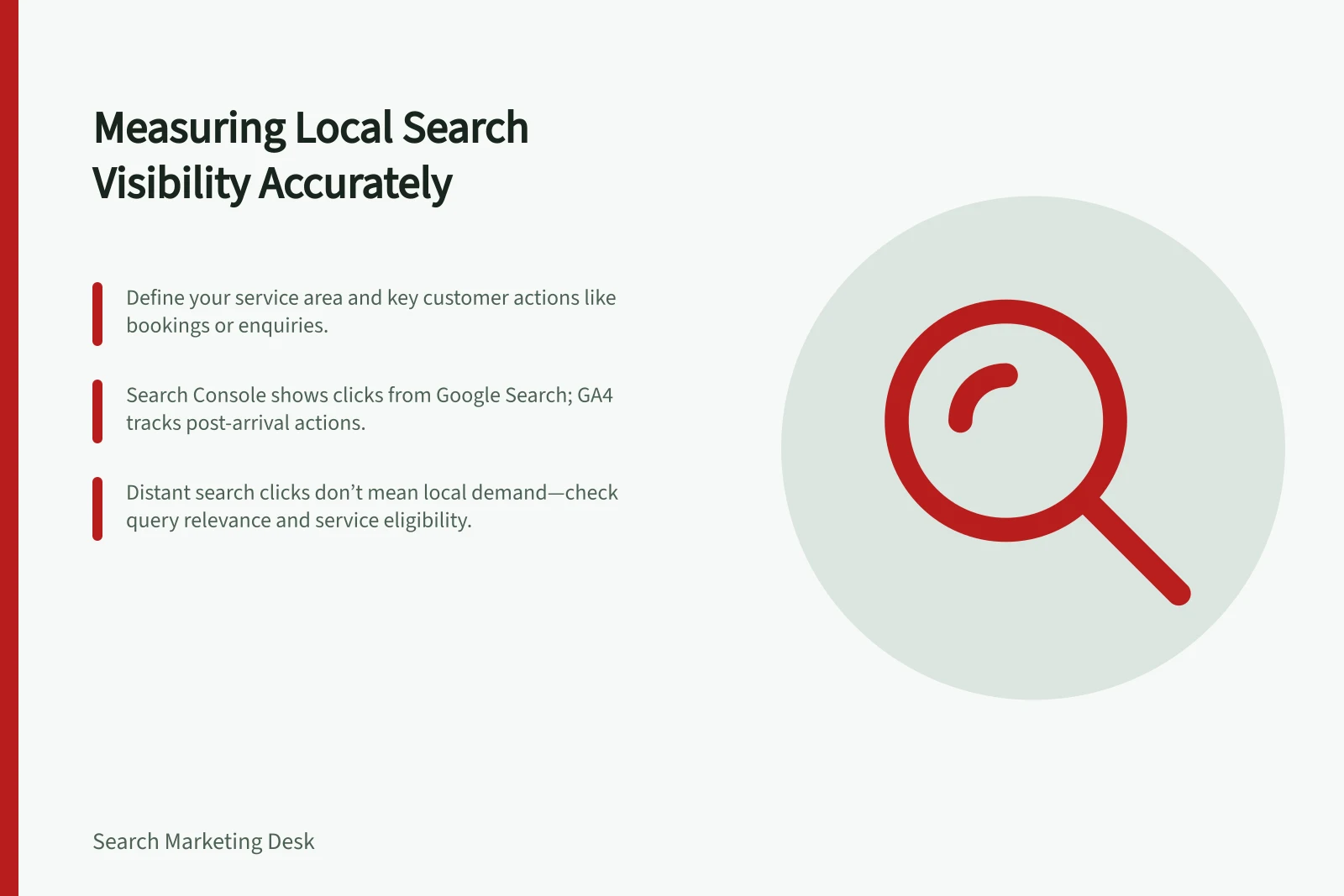
Define the area and action first
Write down the intended service area and the action that matters: a qualified enquiry, booking or other recorded customer step. Note exceptions, such as a service offered only from one branch.
Without a defined boundary, traffic from a distant audience can look like local progress even when the business cannot serve those people.
Choose a stable comparison period and record major changes to hours, coverage and tracking.
Compare similar periods where possible. Demand and operations can change independently of a page edit, so movement alone does not establish a cause.
Key Metrics to Track for Local Search Evaluation
- Service Area
- Defined by business coverage (e.g. Sydney CBD only, statewide NSW)
- Key Action
- Qualified enquiry, booking, or other tracked customer step
Read the reports for what they measure
| Source | Useful question | Limit |
|---|---|---|
| Search Console | Which Google Search queries and pages received impressions or clicks? | It focuses on activity before a person reaches the site from Google Search. |
| GA4, if used | Which recorded sessions and actions occurred? | It measures interactions after arrival; it does not establish residence, intent or service eligibility. |
| Business Profile performance | How did people interact with a Business Profile? | A profile interaction is not a completed sale or visit. |
Do not add these measures into one “local visits” total.
Search Console clicks concern Google Search results leading to the site. GA4 sessions follow its own collection and attribution rules.
Differences between counts can be expected.
When comparing Search Console and GA4, align dates and check that GA4 traffic is filtered to Google organic search. Their clicks and sessions still need not match.
What Each Tool Measures in Local Search Visibility
- Search ConsoleQueries and pages receiving impressions or clicks from Google Search (pre-site arrival)
- GA4Recorded sessions and actions after site arrival; does not confirm residence, intent or service eligibility
- Business Profile PerformanceInteractions with the Business Profile (e.g. views, calls, directions); not a completed sale or visit
Investigate pages and queries together
In Search Console, begin with service and location pages that matter to the business. Review their queries and page data, then ask whether the terms suggest a service the business provides.
A query containing a city name does not reveal where the searcher lives. Someone searching outside the service area may also be arranging work for a person inside it.
Use GA4, where available, to examine recorded actions after arrival. Business enquiry or booking records can help establish whether demand was serviceable.
A page with distant visitors may still assist local customers; geography alone should not decide whether it is useful.
For a Business Profile, review the available performance and insights. Report them as Business Profile data, not automatically as organic leads.
Make the next decision explicit
Summarise a finding with the page, intended area, relevant query or customer task, observed action and uncertainty. For example: “Australian search clicks increased for this service page, while qualified enquiries were unchanged; inspect the queries and booking conditions.”
That is a prompt to investigate, not evidence that the page failed or that one search change caused the outcome.