Indexation
Part of Ecommerce organic search
Handling discontinued product pages thoughtfully
Choose when to retain, redirect or remove a discontinued product page, and keep store and Merchant Center availability accurate.
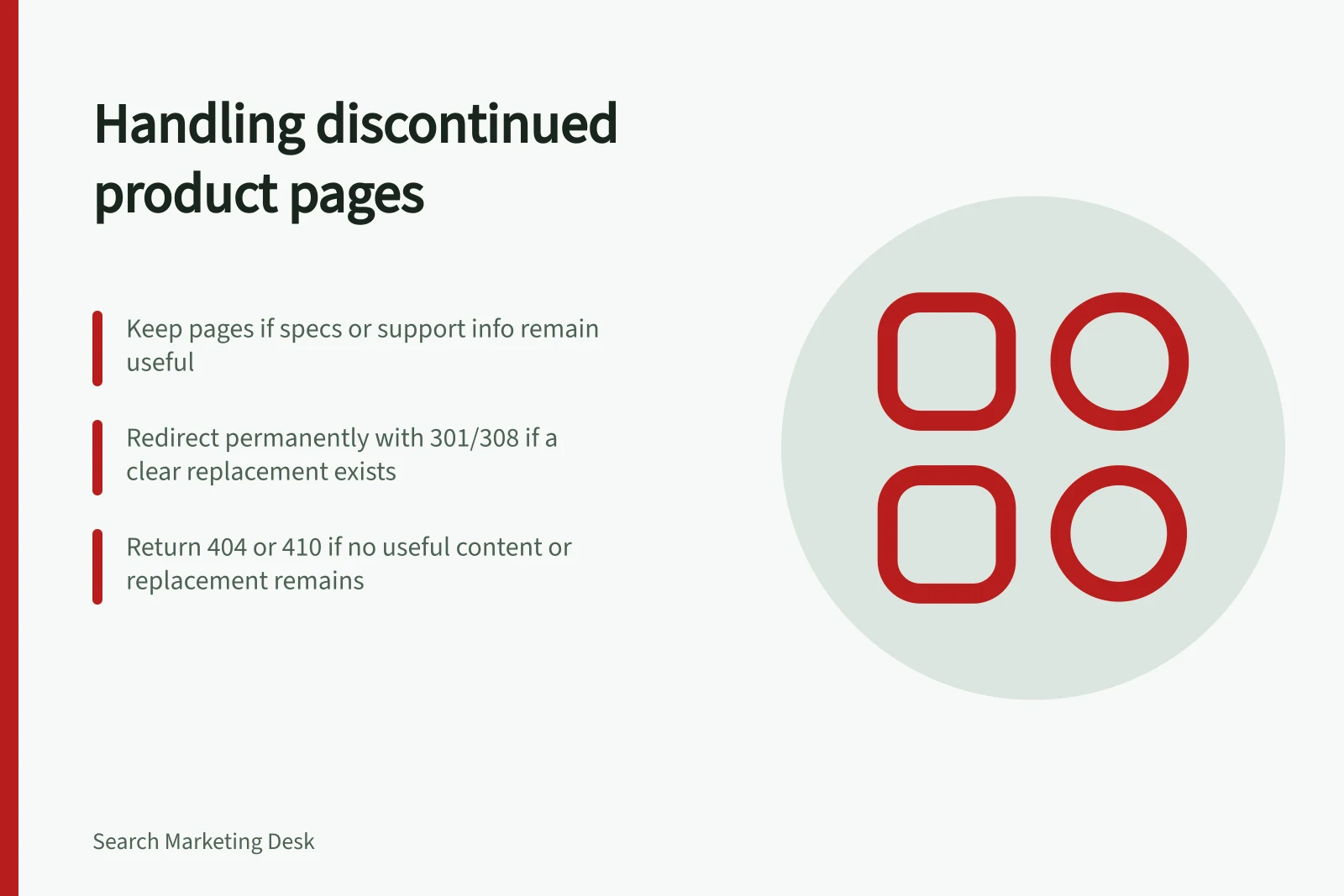
First decide whether the product is temporarily unavailable or permanently withdrawn. Then keep the page if its information remains useful, redirect it if a clear replacement exists, or return a 404 or 410 if the item and useful content are gone.
Confirm whether the change is permanent
Separate a temporary stock gap from a permanent withdrawal. If the item is expected back, show its current availability and do not offer a purchase that cannot be completed. Do not invent a restock date.
For a temporary gap, set the Product structured data availability property to the value that matches the actual state. Schema.org lists OutOfStock, BackOrder and PreOrder among its availability values; Discontinued is another listed value for a permanently withdrawn item.
In Google Merchant Center, decide separately whether the product remains in product data and keep its availability [availability] field accurate.
If an alternative is available, identify it as an alternative rather than the same product.
Choose a useful destination
| Situation | Page response | Check |
|---|---|---|
| Specifications, support or comparison information remains useful | Keep a clearly labelled reference page | Are the details still accurate, and is the purchase action corrected or removed? |
| A clear successor answers substantially the same need | Permanently redirect with a 301 or 308 | Will visitors recognise it as a relevant replacement? |
| No useful page or similar replacement remains | Return 404 or 410 | Does the old URL return the correct HTTP status? |
Use a 301 or 308 for a permanent redirect. A 302 or 307 indicates a temporary redirect, so use one only when the redirect itself is temporary.
Choose a destination that genuinely meets the visitor's need. A home page or loosely related category is not a useful replacement merely because the old product is gone.
A retained page should state that the item is discontinued. Keep verified specifications if they still help with parts, compatibility or comparison, and distinguish a newer model from the old one.
Update visible purchase controls and Product structured data so they do not present the retired item as purchasable. Google distinguishes Product snippets for pages where people cannot directly purchase a product from Merchant listings for pages where customers can purchase one.
Key HTTP status codes for discontinued products
- 301Moved Permanently — Use for permanent redirects to a successor product.
- 404Not Found — Use when no useful content or replacement exists.
- 410Gone — Explicitly indicates the resource is permanently gone.
Remove dead ends elsewhere
Review category grids, related-product modules, on-site search and support content that still point to the old item. A reference page may help in a support journey while being unhelpful in an available-now grid. Update those paths to match the page decision.
Record the old URL, item status, chosen response and reason. After implementation, open the old address, follow any redirect and check the final page and HTTP status; use Google's URL Inspection tool to test the URL.