Indexation
Part of JavaScript and search visibility
Reviewing lazy-loaded content for discoverability
Check lazy-loading triggers, rendered media and persistent routes to later content so important material can be discovered.
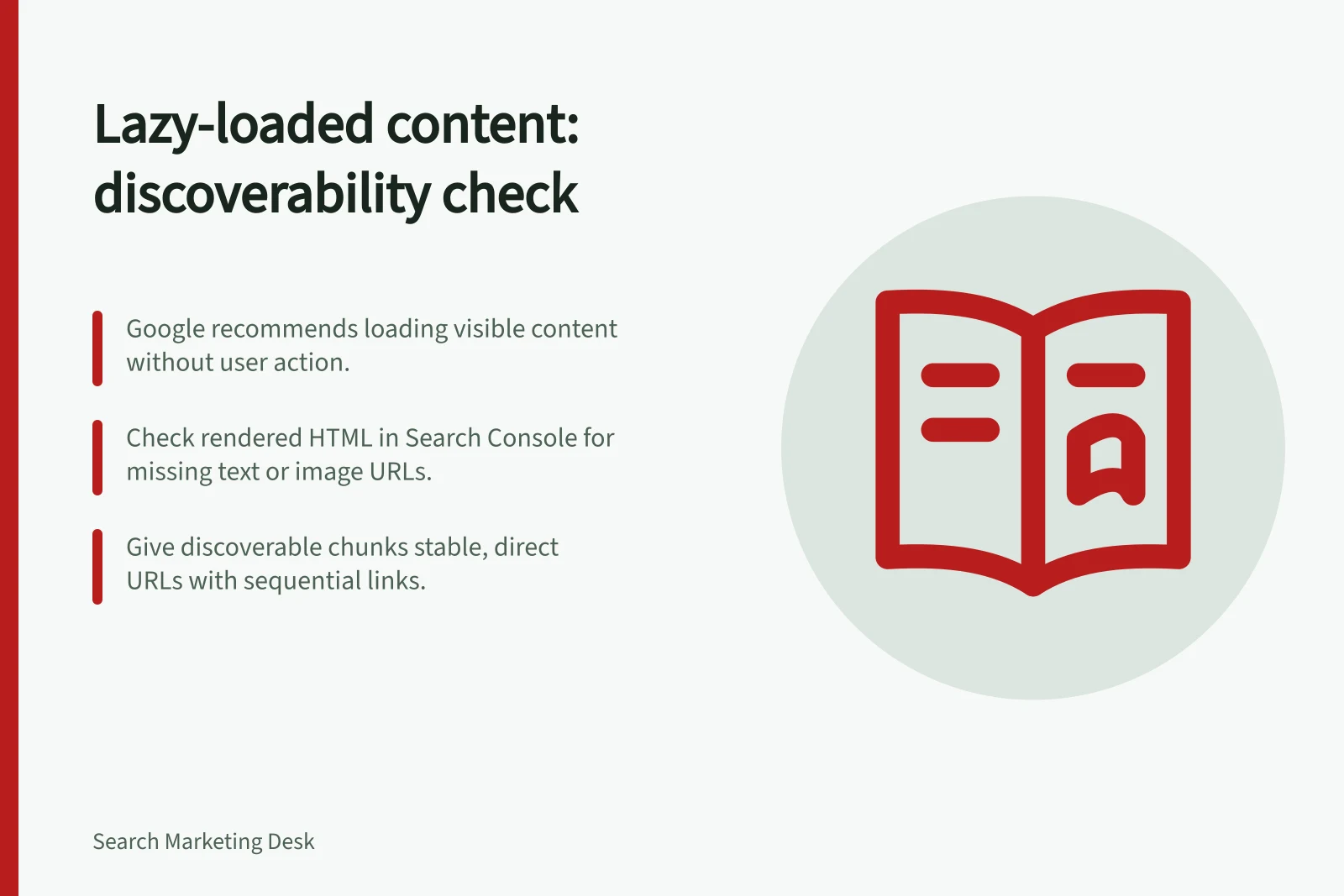
Review lazy-loaded content by checking when important material becomes available and how Google can reach later page chunks. Google advises loading relevant content when it becomes visible in the viewport without requiring a user action. If distinct later chunks matter for discovery, give them a route that does not depend on scrolling through an earlier page.
Identify what is delayed
On a representative page, list delayed text, images, videos and later groups of results. Mark which items carry the main answer. A decorative image and a category's product list do not have the same purpose. Google advises against lazy loading content likely to be visible immediately, because it may delay what visitors see.
Check the loading trigger
For each important item, identify how it loads. An IntersectionObserver, browser lazy loading for suitable media or a library can respond when an item enters the viewport. A control that requires a click or a script that waits for a user scroll event may leave content unavailable to Google, which does not interact with the page in those ways. The method chosen still needs checking on the actual URL.
In a Search Console property you control, inspect the rendered HTML. Search for expected text and check relevant image or video URLs in the rendered elements' src attributes, as Google's guidance describes. A placeholder or a future URL held only in a data attribute is not the loaded item. Record each missing item separately; one successful observation does not establish that every part of a long page loaded.
Loading methods and their impact on Google’s discovery
- IntersectionObserver / native lazy loadingRecommended – content loads when visible in viewport without user interaction
- Click-triggered loadNot recommended – may prevent Google from discovering content as it doesn’t simulate clicks
- Scroll-event-based scriptNot recommended – Google does not scroll pages automatically, so content may remain undiscovered
Key metrics to monitor for lazy-loaded content
- Content visibility delay
- Ensure key content loads within viewport without user action
- Rendered media availability
- Confirm `src` attributes contain actual URLs, not placeholders
- Indexing success rate
- Monitor via Google Search Console for consistent coverage of loaded content
Give distinct chunks stable addresses
For infinite scroll that reveals distinct chunks intended to be discoverable, Google recommends a persistent URL for each chunk and sequential links between them. Opening a chunk's URL directly should show stable content. A ‘load more’ control can still help visitors, while the URLs provide a route that does not require reproducing their scroll session.
Decide whether a later state genuinely needs its own discoverable page before creating another URL. For content that does, record the URL, delayed item, trigger and rendered result. Repeat the check after a change. A complete live rendering is a finding about that test, not a guarantee that the page or every chunk will be indexed.