Site Architecture
Part of JavaScript and search visibility
Testing crawlable links in a JavaScript interface
Inspect rendered anchors, usable URLs and direct destinations to test whether a JavaScript interface exposes important page routes to Google.
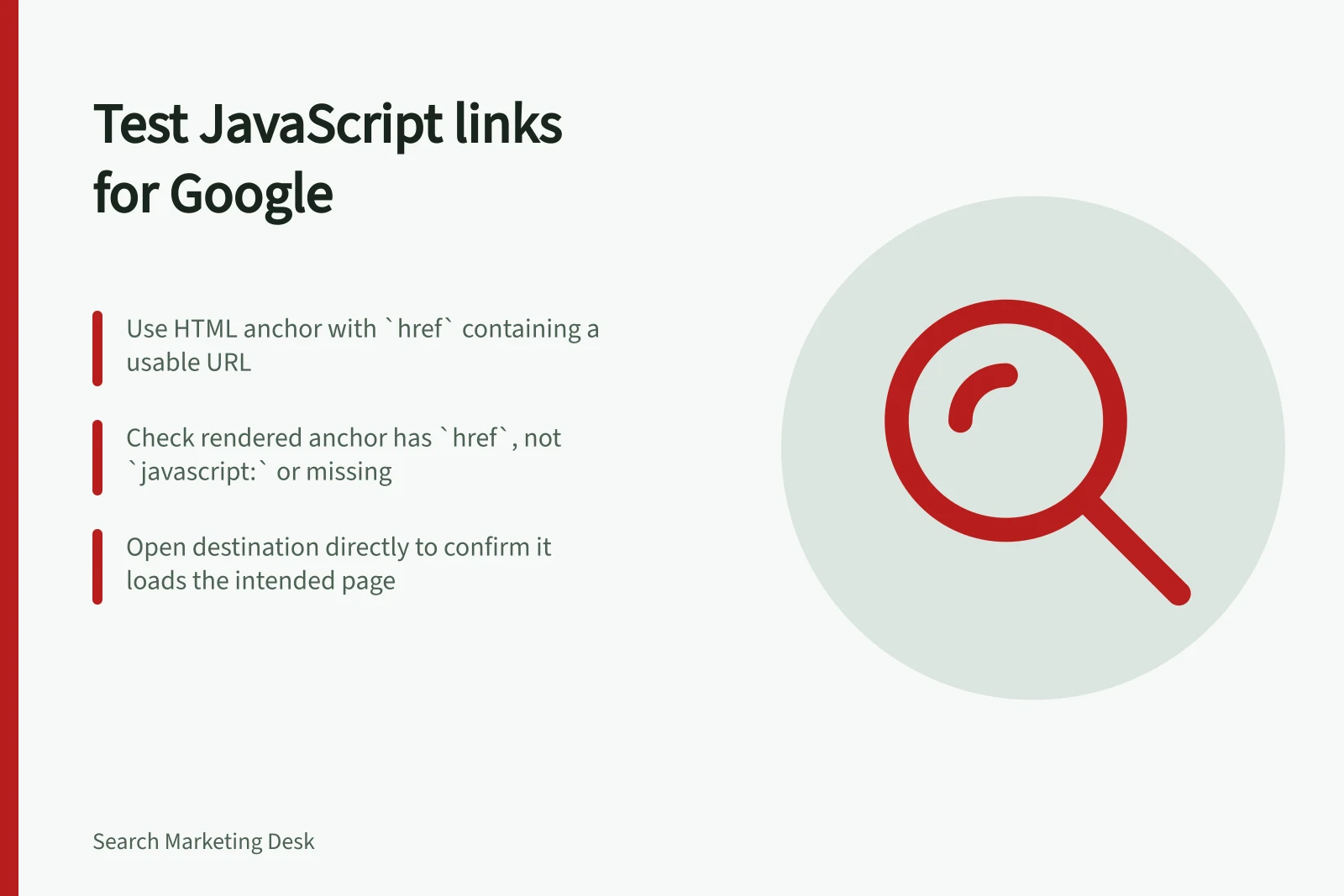
For each important page destination in a JavaScript interface, inspect the link the page renders. Google's recommended pattern is an HTML anchor element with an href containing a usable URL. A control that moves a visitor only after a click may offer Google no reliable link to extract.
List the destinations
Choose a representative page and list the destinations people need from it: a category, product, article, service detail or later results page. Include routes created after JavaScript runs. Give each destination an expected URL.
A control that filters the current page is an action; a control leading to another page needs a destination that can be opened directly.
Inspect the rendered anchor
For a property you control, use the URL Inspection tool to view rendered HTML. Find each route in the anchor markup.
A relative href such as /services can be valid. An anchor without href, or one whose href starts with javascript:, is not the reliable pattern Google recommends. A framework navigation component can produce a crawlable link if its rendered output is an ordinary anchor with a usable destination.
Open that destination directly and check that it shows the intended page. A client-side transition by itself does not establish that the address works on a fresh visit.
| Element | Check |
|---|---|
| Menu item | Rendered anchor, href and destination |
| Detail card | Whether the page URL is in an anchor rather than only a click handler |
| Later results page | Persistent URL and route to the later content |
| Current-page filter | Whether it is an action or a distinct page that needs a URL |
Crawlable vs. non-crawlable link patterns
- Recommended (crawlable)
- <a href="/services">Service details</a>
- Unreliable (dynamic only)
- Click handler without `href` — route created client-side only
Interpret a missing route
If an anchor and its direct destination work, record that result for the route.
If the anchor is absent, inspect how the interface creates it: a script, condition or component may explain the output. Markup alone does not identify the cause.
Google may discover the destination elsewhere and may attempt to parse unconventional links. A failed anchor check therefore identifies an unreliable route in this interface, not proof that Google has never found the destination. Recheck the rendered anchor and direct URL after a change.