Indexation
Part of Website crawling and indexability
Diagnosing a page excluded from search indexing
Use URL Inspection, a page’s indexing reason, its live response and canonical details to decide whether exclusion needs a fix.
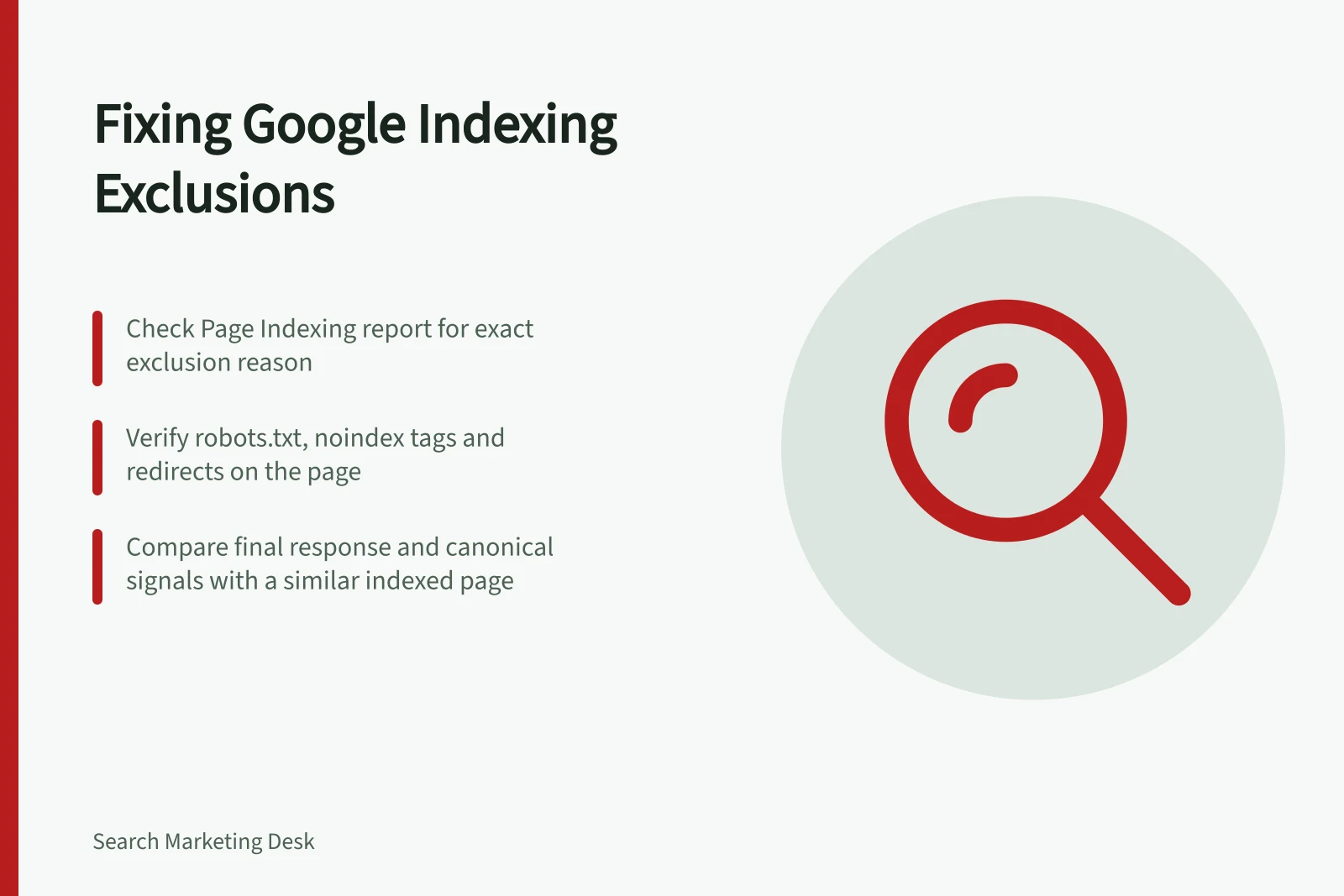
Open Search Console’s Page indexing report or inspect the individual URL to read its status label. Match that exact reason to the page’s response, indexing directives and canonical signals, then decide whether the exclusion is intended or needs a correction.
A duplicate, redirect, deliberately restricted page or removed page can be absent for the right reason. If the URL should appear in Search, diagnose its current state before changing anything.
Confirm the intended page
Record the URL, its purpose and the page that should appear in Google Search. Open it and note any redirect and final destination. If it is an alternate version, inspect the intended representative too.
Use URL Inspection for the individual URL, then compare its reported indexed state with the result from Test live URL. The stored result can reflect the most recently indexed version, while the live test checks the page as it is now.
A successful live test is evidence of access at that moment, within the tool’s limits; it does not test every indexing condition. The Page indexing report shows status reasons and can help identify whether other URLs share a pattern.
Match the reason to the next check
Blocked by robots.txt: Check the URL’s rules in robots.txt, including any Disallow directive that prevents Googlebot from crawling it. If the page should be indexed, allow Googlebot to fetch it; if the block is deliberate, accept the exclusion. Do not use robots.txt for canonicalisation.
Excluded by 'noindex' tag: Check the HTML for <meta name="robots" content="noindex"> and the HTTP response for X-Robots-Tag: noindex. If the page should appear in Search, remove the unintended directive and make sure Google can access the page to read it; if it is deliberately restricted, keep the directive.
For example, if URL Inspection reports Excluded by 'noindex' tag for a page that should appear in Search, check both the HTML and response header for noindex. Remove the rule only if it is unintended, then inspect the URL again; a login or thank-you page may be excluded deliberately.
Page with redirect: Check whether the final destination is the relevant working replacement. If it is, accept the old URL’s exclusion; if the URL itself should appear, correct the unintended redirect. A redirect is a strong canonicalisation signal for its target.
Not Found (404) or Soft 404: Check the URL’s current response and content. If the page is genuinely gone, accept the exclusion; if it should still exist, restore it or direct it to a relevant working replacement.
Blocked due to access forbidden (403): Check whether access is deliberately restricted. Keep the exclusion if it is; if the page should be public and indexed, correct the access restriction.
Server Errors (5xx): Check the URL’s response for a server error. If the page should be available, resolve the error and inspect the URL again.
Alternate page with proper canonical tag: Check whether the page is meant to be an alternate of the canonical URL. If so, accept the exclusion; the status means Google respected the canonical preference.
Duplicate, Google chose different canonical than user or Duplicate without user-selected canonical: Check the rel="canonical" annotation and which URL Google selected. If the selected URL is the intended representative, accept the exclusion; otherwise align the canonical signals with the URL that should represent the content.
Discovered – currently not indexed: Google knows the URL but has not yet crawled it. Confirm the page remains available and monitor its status; if several URLs share the status, check for a broader host or crawl-capacity pattern.
Crawled – currently not indexed: Compare the fetched page’s main content and canonical signals with a similar indexed page. Decide whether this URL provides a useful, distinct answer; if it does not, accept the exclusion, and if it should be indexed, address what the comparison reveals.
Diagnosing page indexing exclusions: Key signals and actions
- Blocked by robots.txtCheck robots.txt for Disallow rules. Allow Googlebot if indexing is intended; otherwise, accept exclusion.
- Excluded by 'noindex' tagInspect HTML meta tag and HTTP header for noindex. Remove only if unintended; login/thank-you pages may be excluded deliberately.
- Page with redirectVerify final destination. Accept exclusion if correct; fix if the URL should appear in Search.
- Not Found (404) or Soft 404Confirm if page is genuinely gone. Restore or redirect to a relevant working page if it should exist.
- Blocked due to access forbidden (403)Check if access restriction is deliberate. Correct if the page should be public and indexed.
- Server Errors (5xx)Resolve server errors. Re-inspect URL after fixing the issue.
- Alternate page with proper canonical tagAccept exclusion if canonical preference is respected. Google follows canonical signals.
- Duplicate – Google chose different canonicalCompare rel=canonical and Google’s selection. Align signals if the intended URL differs.
- Discovered – currently not indexedConfirm availability. Monitor status; check for broader crawl issues if multiple URLs are affected.
- Crawled – currently not indexedCompare content and canonical signals with similar indexed pages. Decide if the page offers distinct value.
Check the page and the pattern
For an important URL, compare its final response, indexing directives, rendered main content and canonical signals with a similar indexed page. Check whether affected URLs share a template, deployment or access change.
A rel="canonical" annotation expresses a preference; Google makes the selection. Redirects and rel="canonical" are strong signals, while sitemap inclusion is a weak signal.
After confirming the cause, make the relevant correction, inspect the exact URL again and monitor the report as Google processes it. If the exclusion is intended, record that decision.