Content Quality
Part of International and multilingual SEO
Keeping translated pages useful for their local readers
Review translated pages for accurate local offers, natural language, relevant examples and a working next step.
A translated page works when its reader can understand the answer and take the right next step in their market. Review the offer and action path as carefully as the wording. A fluent page can still be wrong if its availability, conditions or contact route belong to another market.
Confirm the promise before translation
Record the source page’s reader question and the facts that make its answer true: which products or services are available, where they can be delivered, and which support routes and conditions apply. Ask the people responsible for the local offer to confirm those details before translating the page.
If the answer changes materially, plan the local page around that change. An assessment service, for example, may use a different contact route where a local team handles requests. If the service is unavailable, translating the source page’s promise would mislead readers. Publish a different accurate answer only if one exists.
Review the whole reader journey
Read from the heading through the next action, including navigation and form labels. Check:
- whether the explanation uses terms local readers understand;
- whether examples, measurements and currency labels fit the offer;
- whether any displayed prices, availability and conditions are confirmed for that market;
- whether the contact, booking or purchase route suits that version; and
- whether an exception sits beside the claim it qualifies.
Do not add an address, customer story or market claim merely to make a page look local. A detail that cannot be confirmed should be resolved or left out.
Key steps to ensure translated pages are useful for local readers
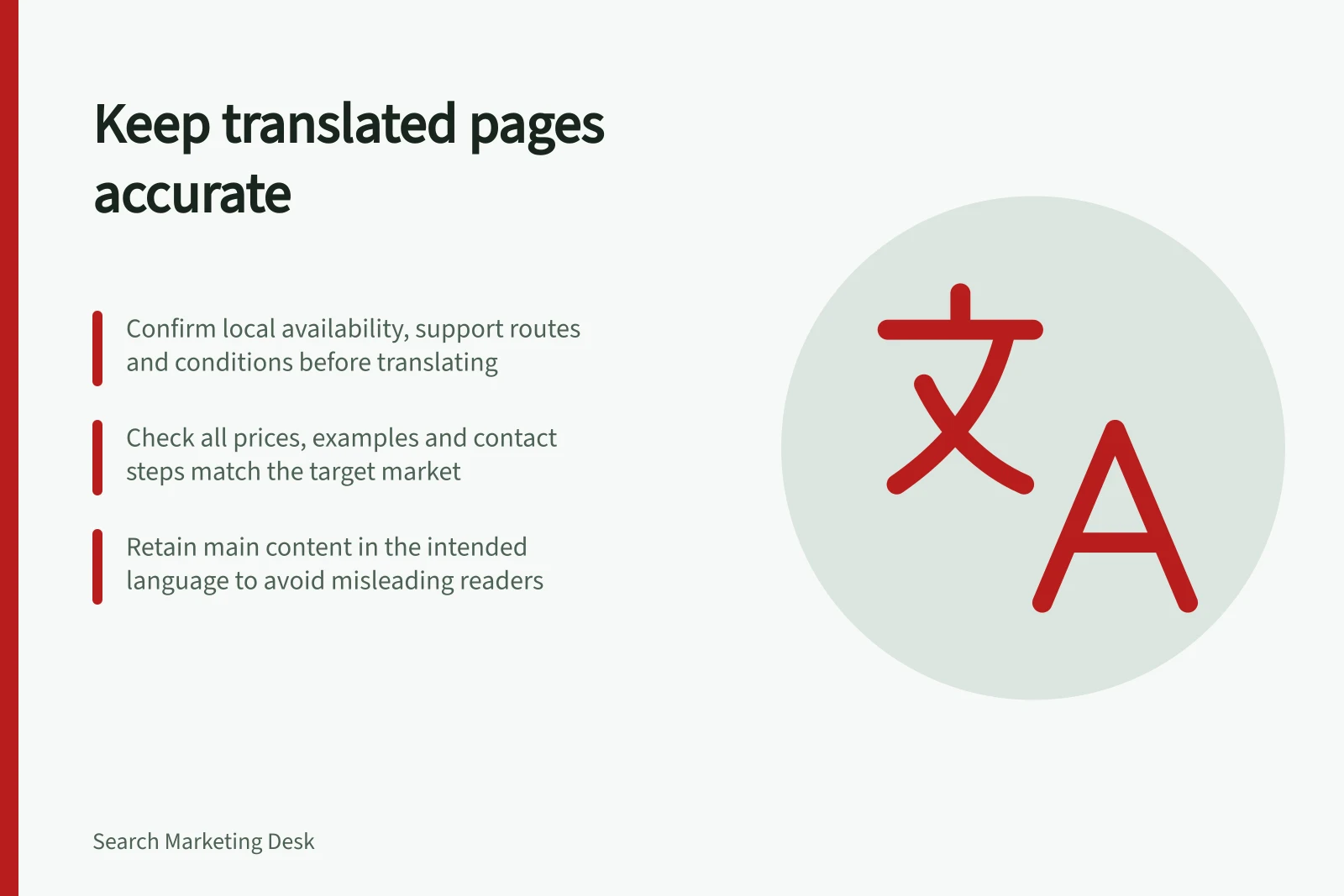
- Confirm local availability of products or servicesCheck with local teams to verify what's offered in the target market
- Use locally relevant examples and measurementsReplace imperial units with metric, adjust currency to AUD, use local formats
- Verify contact, booking and purchase routes for the local marketEnsure forms, phone numbers, and support channels match local operations
- Avoid misleading claims without local confirmationDo not add unverified details like addresses or customer stories
- Maintain alignment between language and contentEnsure main content is fully translated; avoid partial translations
Translate the main answer
Google uses visible content to determine a page’s language. It warns that translating only the surrounding template while leaving most main content in another language can create a poor experience. A translated navigation bar does not make an untranslated article useful to someone who needs the article in another language.
Keep the main content and navigation understandable in the intended language. Retain a product name or technical term where it helps, and explain it where readers need that explanation to act. Review meaning and natural phrasing, including qualifications: “available in selected areas” must not become an unrestricted promise.
Maintain the local version
Assign someone to confirm each locale’s changing facts. When a source offer changes, identify which translated pages are affected; a change to availability, service boundaries or a form route may apply to only some markets.
Compare the local page with its confirmed offer before release and revisit it when the business changes. A reader arriving directly from search should be able to understand the answer, its limits and the next step without first visiting the source-language page.
How to maintain accurate and useful translated pages
- Identify affected pages when source changesTrack updates to product availability, service boundaries, or form routes
- Confirm local facts with on-ground teamsEngage local staff or partners to validate conditions and contact methods
- Compare local page against confirmed offerReview all content, including pricing, examples, and call-to-action paths
- Revisit before release and after business changesEnsure no outdated information remains in the local version