Content Quality
Part of Search intent and topic planning
Finding a topic gap without duplicating an existing article
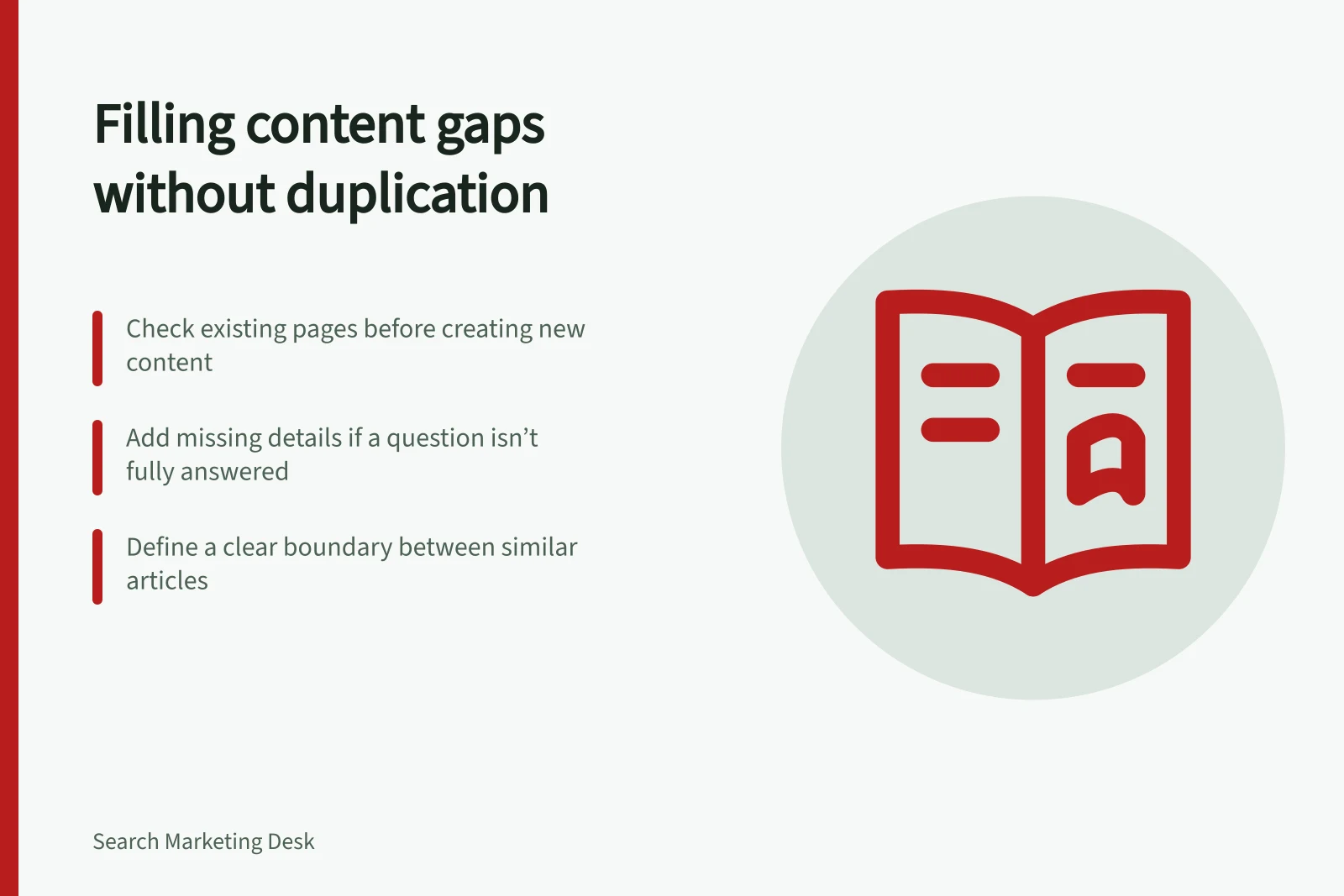
Check the nearest existing answer before writing a new article, then choose whether to improve a section, update a page or brief a distinct topic.
A topic gap is a useful answer the site does not yet provide well. Before commissioning an article, check the closest existing page and ask whether a focused change would answer the question. A missing keyword in a title does not, by itself, mean a missing page.
Define the unanswered task
Write the proposed gap as a reader question, including any condition that matters. “How do cancellation rules work in a booking system?” is more testable than “booking software content gap”.
List the information needed to act: an explanation, comparison, instruction, offer detail or limitation. If the organisation cannot verify that information, hold the topic for research.
Record where the idea came from: a customer question, on-site search, a content review or a Search Console query. A query alone does not prove that a new page is needed.
Inspect the nearest existing answer
Search the current and planned page inventory by subject and reader task. Read the closest page’s main sections. The answer may sit under a different heading or use different wording.
For each candidate page, ask:
- Does it already answer the question accurately and at a useful level of detail?
- Could a short, clearly labelled section complete the answer without changing the page’s main purpose?
- Would a substantial update make this the best single answer?
- Does the new task need a different audience, evidence set or set of steps?
Assess whether the page answers the reader’s task, rather than relying on wording alone.
Choose the smallest useful change
Finding / Editorial action
- The answer exists but is hard to find
- Improve its heading or placement.
- One important condition is missing
- Add or correct a focused section.
- The answer is out of date or incomplete throughout
- Update the page as a whole.
- The task is distinct and needs sustained detail
- Brief a separate article with a clear boundary.
- The question cannot yet be answered reliably
- Hold it for research.
For example, a guide to choosing appointment software might reasonably include questions to ask a provider about cancellation settings. Verified setup steps for a particular product would serve a different task and may belong in separate help content.
How to Identify a Genuine Topic Gap Without Duplication
- Define the reader question clearlye.g., 'How do cancellation rules work in a booking system?'
- Check if the answer already existsReview closest existing page for accuracy and detail
- Assess whether a small update sufficesAdd a section, improve navigation, or clarify content
- Decide on a separate article only if neededEnsure distinct purpose, audience, or evidence set
- Record the decision and verify findabilityConfirm readers can locate, understand and act on the answer
When to Update vs. Create a New Article
- Update existing page
- Answer exists but is hard to find, or missing one key detail
- Create new article
- Task is distinct, requires sustained detail, or needs different audience/evidence
- Hold for research
- Information cannot be verified reliably yet
Define what a separate article will do
If a new article is justified, place its one-sentence promise beside the closest existing page’s promise. Specify the reader, question, evidence needed and boundary between the pages. If the promises are interchangeable, revise the plan.
Google may choose one representative URL when pages have duplicate or very similar main content. A canonical annotation indicates a URL preference; Google can choose differently. Neither action gives overlapping articles distinct value for readers.
Record the decision even when the outcome is an update or no page. That helps prevent the same supposed gap from returning under a different phrase. After a change, check whether a reader can find the answer, understand its limits and take the intended next step.
Google’s Guidance on Duplicate Content and Canonicalisation
- Canonical annotation preference
- Indicates preferred URL; Google may choose differently
- Page consolidation risk
- Google may pick one representative URL for duplicate content
- Content quality focus
- Helpful, accurate, and comprehensive content ranks best