Content Quality
Search intent and topic planning
Plan useful search pages by identifying the reader’s task, grouping related queries and checking existing answers before creating a new page.
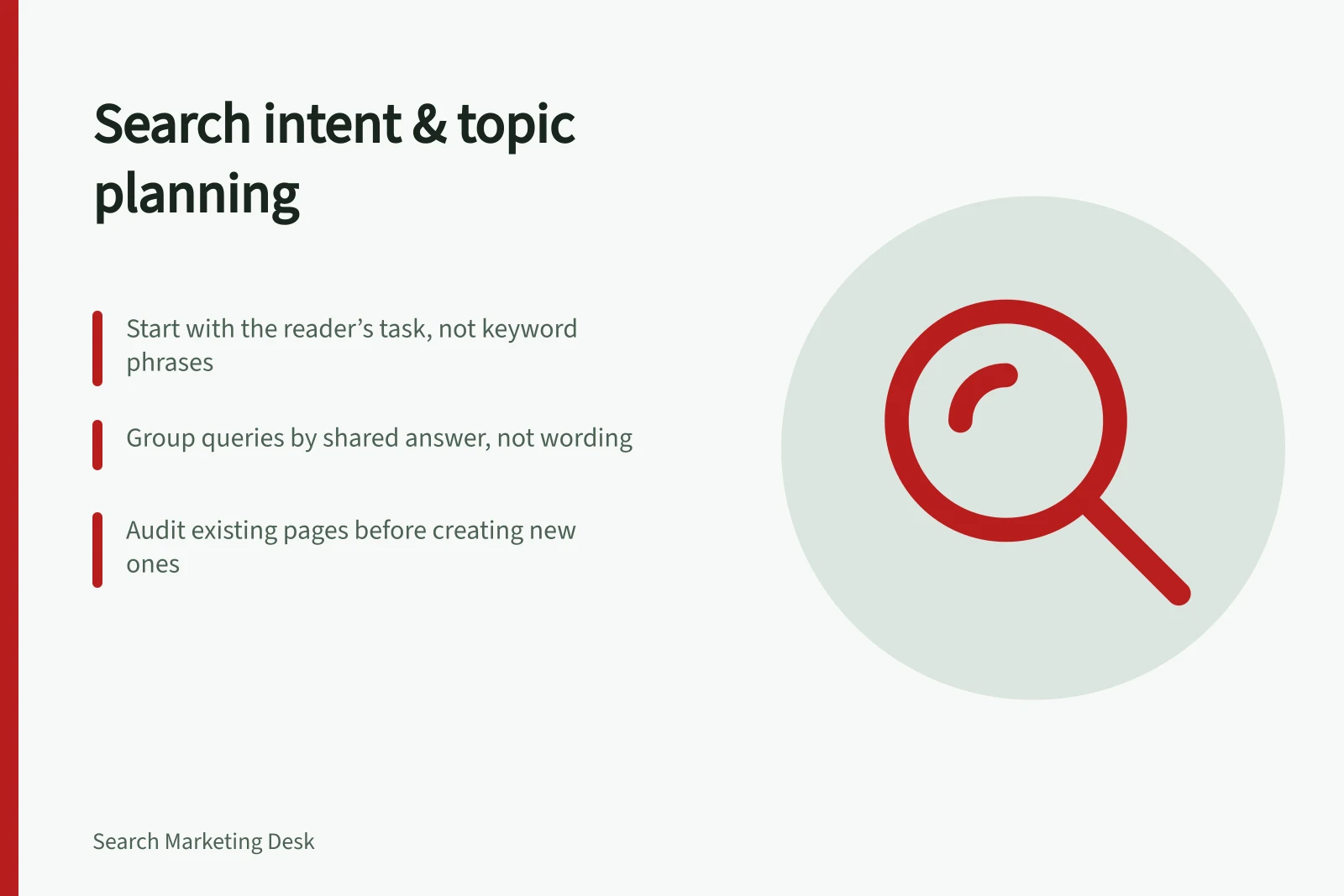
Search intent is the task a person hopes to complete when they search. Topic planning turns that task into a page decision: improve an existing answer, create a page with a distinct purpose, or leave the idea out. Start with the answer the reader needs, then group related queries around it. A separate page for every phrase is rarely useful.
Describe the task before naming a page
Write each candidate as a question or decision in plain language. “Can this service handle my situation?” is more useful for planning than a list of terms containing the service name. Note what the person may already know, what remains uncertain and what they should be able to do after reading.
Query wording offers clues, but it does not settle intent. “Best booking software” might come from someone ready to compare products or someone still learning which features matter. Read the full phrase, inspect results shown to the intended Australian audience and consider questions customers raise. Search results can vary, and one query can serve more than one need.
Planning field / Question to answer
- Reader task
- What does the person need to understand, choose or do?
- Required answer
- What would make the page useful?
- Existing page
- Which current page comes closest?
- Page decision
- Improve, extend, create or decline?
- Uncertainty
- What still needs checking?
Planning a Search-Optimised Page: A Step-by-Step Guide
- Define the reader’s taskIdentify what the user needs to understand, choose or do—e.g., ‘Can this service handle my situation?’
- Determine the required answerSpecify what would make the page genuinely useful—clear explanation, comparison criteria, or actionable guidance.
- Audit existing pagesReview current content to assess if it meets the need; consider improving, extending or creating a new page.
- Group related queriesCombine search phrases that require the same answer and avoid duplicating content across pages.
- Check editorial valueEnsure the page offers original insight, evidence or perspective—not just reworded information.
- Confirm maintainabilityAssess whether your team can keep the content accurate and up to date, especially for changing markets or offers.
Match the answer to the page’s job
An explanatory guide can define a subject and show how it works. A comparison page should help readers weigh alternatives against stated criteria. A service or product page needs to explain the actual offer and its limits. For each candidate, specify what the reader should know or do and what evidence the page needs, then choose the format and scope that can deliver it.
Someone asking what a booking system does may need an explanation and examples of use. Someone comparing systems may need criteria, trade-offs and questions to put to providers. One page can sometimes serve both tasks in a clear progression; sometimes the comparison needs its own page. Ask whether each reader could complete their task on the proposed page.
Do not promise a feature, location or result because a phrase appears in search data. If an offer has a geographic or other limit, state it where the reader needs it.
Page Types and Their Purpose in Search Intent Planning
- Explanatory Guide
- Explains how something works—ideal for questions like 'What is a booking system?'
- Comparison Page
- Helps readers weigh options using clear criteria—best for 'Booking software comparison Australia'.
- Product/Service Page
- Details what’s offered, including features, limitations and pricing—e.g., 'Telstra Booking Software features'.
Group queries by the answer they require
Put variants together when one well-structured page can answer them without changing the audience, decision or essential evidence. Different ways of asking the same question may belong together. Group by the shared answer rather than exact wording, and write naturally instead of repeating phrases.
Split a group when the answer changes materially. Choosing booking software and changing a specific cancellation setting call for different help, even though both queries mention the same product category. The test is whether someone could land on the page and complete their task without searching through unrelated material.
Audit the existing answer before adding a URL
Compare the candidate task with current and planned pages. Read the closest page’s main sections rather than judging by its title. Decide whether the answer is adequate, needs a focused section, needs a substantial update or warrants a separate page. A new article should have a purpose beyond a slightly different keyword.
Review customer questions and a content inventory to identify questions and existing pages worth investigating.
Google may choose one representative URL when pages are duplicates or their main content is very similar. That does not settle whether two proposed articles serve distinct reader tasks. A canonical annotation cannot give interchangeable articles different purposes.
Key SEO Best Practices from Google and Australian Sources
- Google recommends waiting 2–4 weeks before assessing SEO changesYes – changes may take time to reflect in search performance
- Canonical tags don’t override distinct reader tasksTwo similar pages can serve different intents even if one is canonical
Check the editorial value before committing
Before approving a page, check whether it gives a meaningful or complete account of the subject and answers the reader’s task in enough depth. A page that merely names the topic may leave the key decision unresolved; identify what explanation, evidence or analysis would make it genuinely useful.
Look for a distinct contribution, such as original information, research or analysis. If the material draws on other sources, add meaningful value or an original perspective rather than simply copying or rewording what is already available.
Check that the title and main heading describe the page accurately and helpfully. Avoid exaggerated or shocking wording, and ask whether the page offers enough value to be worth saving, sharing or recommending to someone with the same question.
Make it possible for readers to judge why the information is trustworthy. Depending on the subject, that can include clear sources, evidence of the contributor’s expertise, or useful information about the author or publishing organisation.
For a high-impact or uncertain topic, ask someone trustworthy who is not affiliated with the site to review the proposed answer. Their feedback can expose a missing explanation or an unsupported assumption before the page decision is locked in.
Choose work the site can maintain
Prioritise a topic when the reader’s decision matters, the organisation can answer accurately and the page has a clear purpose. Record evidence still needed for claims about an offer or a changing market. A narrow, complete answer can be more useful than a broad page that leaves the decisive question open.
For each page, record the primary reader question, required answer, closest existing page, distinct contribution and important exclusions. “Add a section” and “no new page” are valid outcomes. Once a page is live, use search data and reader questions to investigate whether it answers the intended task.
Set a review point after publication rather than treating an early change in search performance as a verdict. Google says changes can take from a few hours to several months to be reflected, and suggests waiting a few weeks in general before assessing their effects.
If a change has no noticeable effect, that alone does not show that the page is useless. Reconsider the reader’s task and the evidence available, then decide whether another iteration is warranted and the organisation can support it.
In this guide
- Distinguishing an information query from a buying comparisonUse the answer a reader needs, query clues and existing pages to decide whether a search calls for an explanation or a buying comparison.
- Grouping queries that need one useful pageGroup search phrases by the answer a reader needs, then use a same-page test to decide which variants belong together and which need separate pages.
- Finding a topic gap without duplicating an existing articleCheck the nearest existing answer before writing a new article, then choose whether to improve a section, update a page or brief a distinct topic.