Site Architecture
SEO during website changes
Plan SEO checks for a redesign or migration, from important page decisions and relevant redirects to release checks and monitoring.
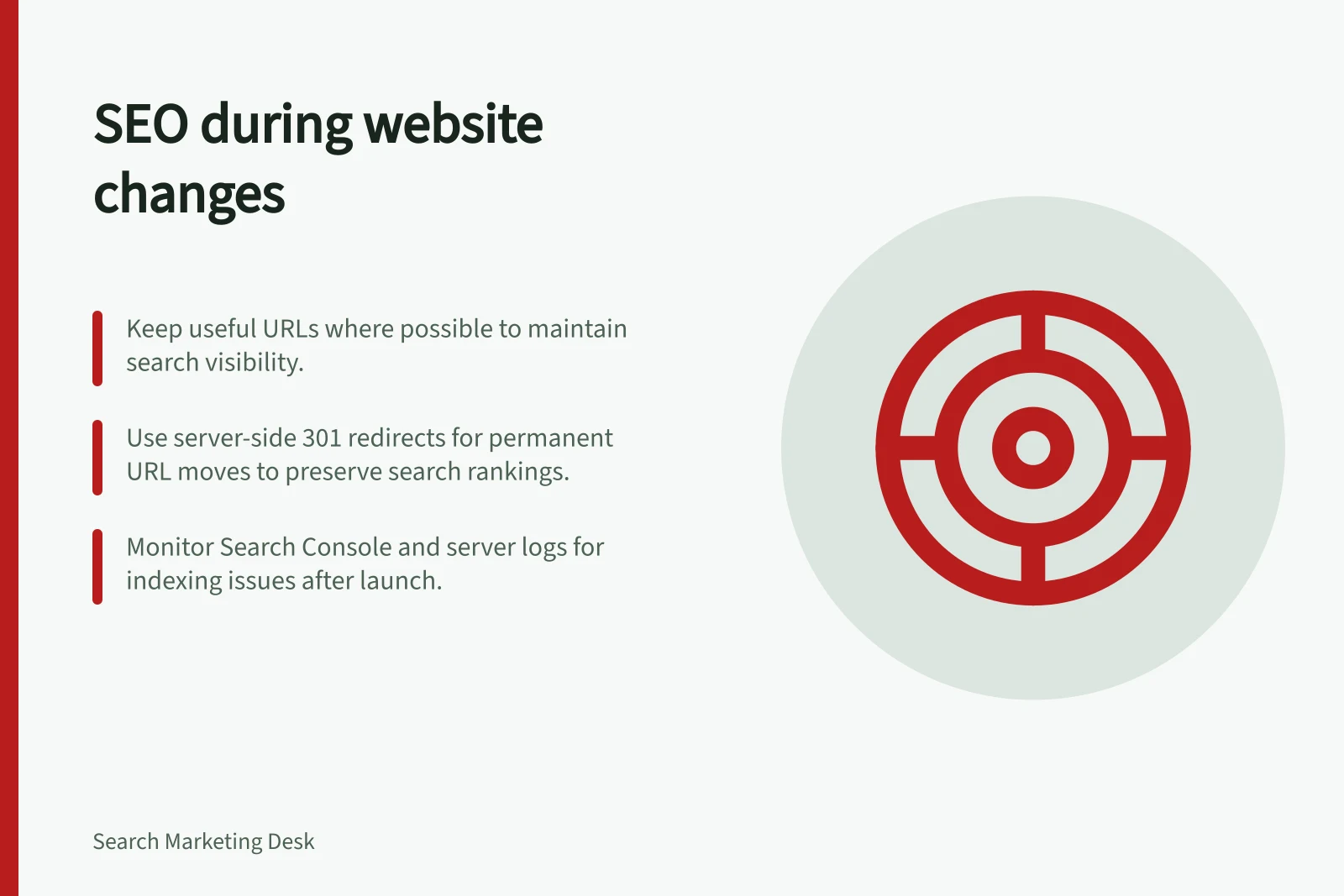
Protecting organic search during a website change starts with knowing what each important page does today and what will happen to it after release. Keep useful URLs where possible.
Where an address must change, give the old page a relevant destination, check the new page’s access and search signals, then monitor the affected pages. A redesign that changes only the layout needs a different plan from a domain or URL migration.
Define the change
List what will change: design, content, navigation, templates, CMS, hosting, domain or URL paths. Mark changes to page addresses or the information delivered at those addresses. A new design can still alter headings, main content, internal links or indexing settings. A URL migration also requires routes from old addresses to new ones.
Sequence substantial changes where practical rather than launching a new domain, CMS and layout at once. This makes it easier to identify which change needs attention if search visibility shifts after release.
Sequence and schedule the release
For a large site, consider moving one section first if the technical setup allows it, then use the results to inform the remaining releases. Choose a section with relatively stable content and few unexpected changes, but remember that its performance may not predict how the whole site will behave.
Where demand follows a seasonal pattern or particular days are quieter, schedule the move for a recurring low-traffic period if possible. This can reduce the number of visitors affected by problems and leave more server resources available to Googlebot.
Decide what happens to important pages
Build a baseline of current URLs before replacing the site. Include pages that answer important customer questions, receive organic visits or have links pointing to them. Include relevant downloads and media if their addresses will move. A sitemap alone may miss pages people still use.
For each URL, record its purpose and intended treatment: keep the address, move to a corresponding page, consolidate into a page that covers the same need, or retire without a suitable replacement. Check the proposed new answer, not just its title. A general home page is rarely a relevant replacement for a specific service page.
Keep the detailed inventory and unresolved decisions available to the release team.
Prepare the destination and routes
Before launch, inspect representative pages from each important template. Can visitors reach them through the new navigation? Do the main answer, qualifications and next action survive? Do internal links lead to the intended final addresses?
For pages intended to appear in Google Search, check public access, indexing directives and canonical signals. Development restrictions must be removed from the intended public pages.
For permanent URL changes, plan server-side permanent redirects to relevant final destinations where technically possible. A genuinely consolidated page can receive redirects from the pages it replaces. If no similar replacement exists, plan an appropriate 404 or 410 response. Prepare a sitemap of intended new URLs and update internal links to point directly to them.
If the move changes domains or subdomains, check access to the relevant old and new Search Console properties.
Match redirects to the intended outcome
Use a permanent redirect when a page has moved for good and the new address should replace the old one in search results. Google identifies server-side 301 and 308 responses as permanent redirects; temporary redirects, such as 302, are intended for temporary moves and may leave the old address in search results.
Record the intended redirect type with each URL decision so implementation and release checks can be compared against the plan.
Check the released site
Sample high-priority URLs, each major template and exceptional redirect rules. Request old addresses and follow them to their final pages. Inspect the final response and content, then check the released site’s robots rules, indexing directives, canonical annotations and links against the plan. A staging preview cannot establish what production serves.
Correct a blocked important template, an irrelevant redirect or missing essential content promptly. Keep the expected and observed result for each affected URL so the team can recheck it after a fix.
Monitor the affected pages
New URLs may take time to replace old ones in results. For a URL move, review old and new Search Console properties where applicable. Watch indexing patterns, Google Search impressions and clicks for important page groups, and unexpected errors or requests to old addresses in server logs.
If visits fall, identify the affected page group first. Check its old route, the new answer, access and indexing signals, and whether analytics still records visits. Compare suitable periods and consider other changes and shifts in demand before assigning a cause. A recovered site-wide total can conceal a broken route to one important page.
Keep a page-level record of what moved, what was checked on release, what Google has since reported and what remains to fix.
Post-Migration Monitoring Metrics
- Indexing Status
- Check via Search Console Indexing report
- Search Impressions & Clicks
- Monitor trends in affected page groups
- Server Log Errors
- Watch for unexpected requests to old URLs
Allow time for search processing
Search results may change temporarily while Google recrawls and reindexes a site. For a medium-sized website, Google says it can take a few weeks or more for new URLs to appear in place of old ones; larger sites can take longer. Processing time depends substantially on the number of URLs and server speed.
There is no fixed crawl frequency. Google considers a move complete when Googlebot has visited every old and new URL at least once, so do not treat the release date alone as proof that processing has finished.
In Search Console, check the old and new properties separately where applicable. The Sitemaps report can show how many submitted URLs are indexed, while the Indexing report provides an overview of indexing status.
In this guide
- Recording important URLs before a redesignBuild a pre-redesign URL inventory with each page’s purpose, proposed treatment, destination and owner.
- Mapping redirects from old pages to relevant replacementsChoose where old URLs should lead, document exceptions and check that each final page answers the visitor’s original need.
- Checking indexability after deploymentCheck released URLs, crawl access, noindex rules and canonical signals, then compare live and indexed Search Console views.
- Monitoring organic traffic after a migration by page groupTrack old and new page groups after a migration, compare Search Console and analytics carefully, and investigate losses by URL.